This goes without saying when said technology has evolved and has been the sole harbinger of a rebellion against anything that had too many buttons on it or was complicated to use. There was once a day when remotes did not exist and Televisions has 8 channels with buttons on the TV itself. Soon the remote came into existence and made life a bit easy.
This bug caught the fancy of the modern consumer world and extended to almost everything, be it remotes for music systems, computers, air conditioners, cars, high power machinery and a host of other gadgetry.
As we moved on into the second decade of the 21st century a phenomenon called remote desktop gained momentum. In simple words, remote desktop software takes control of another personal computer. It can be used as a remote control that the various programs and features on the PC can be easily controlled with. With the advent of remote desktop technology, the Android world has come up with plenty of apps devised around that concept, and a prominent contender among them is the
Unified Remote app.
Unified Remote permits the user to take access of his/her computer through an android device. The Unified Remote server must be downloaded on to the PC through the app website and this helps the phone to detect the existence of the device. The user simply opens the program on the PC and the app detects it.
Once the device and the PC are in sync the user can do what the entire user does on the PC through the handheld device. Unified Remote qualifies for the below features.
* Easy server and app setup
* Custom/Android keyboard support
*Bluetooth
* Automatic server detection
* Single/Multi touch mouse
* Quickly change servers
* Auto-pause media for phone calls
* Homescreen shortcuts to remotes
* Hardware volume control
All the user has to do is keep the Android device held in front of the PC as one would do for a remote control and voila!
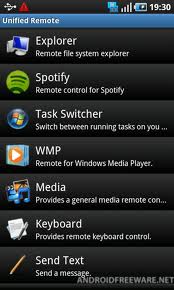
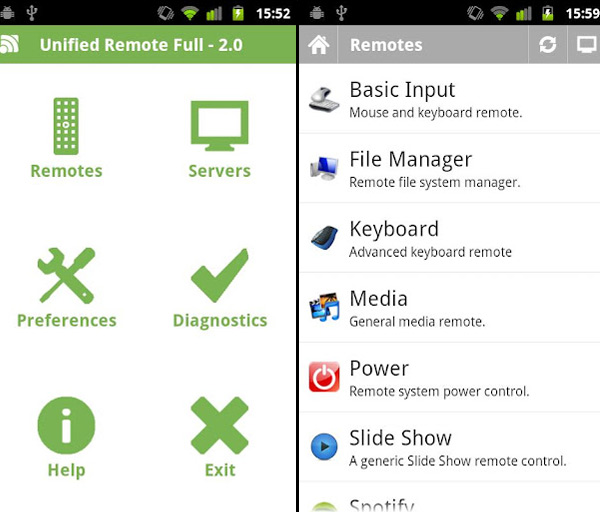
In addition, Unified Remote provides for a variety remotes for the following devices.
- Task Manager
- Basic Input
- File Manager
- Spotify
- Keyboard
- Windows MediaCenter
- Power
- VLC (Keyboard)
- Slide Show
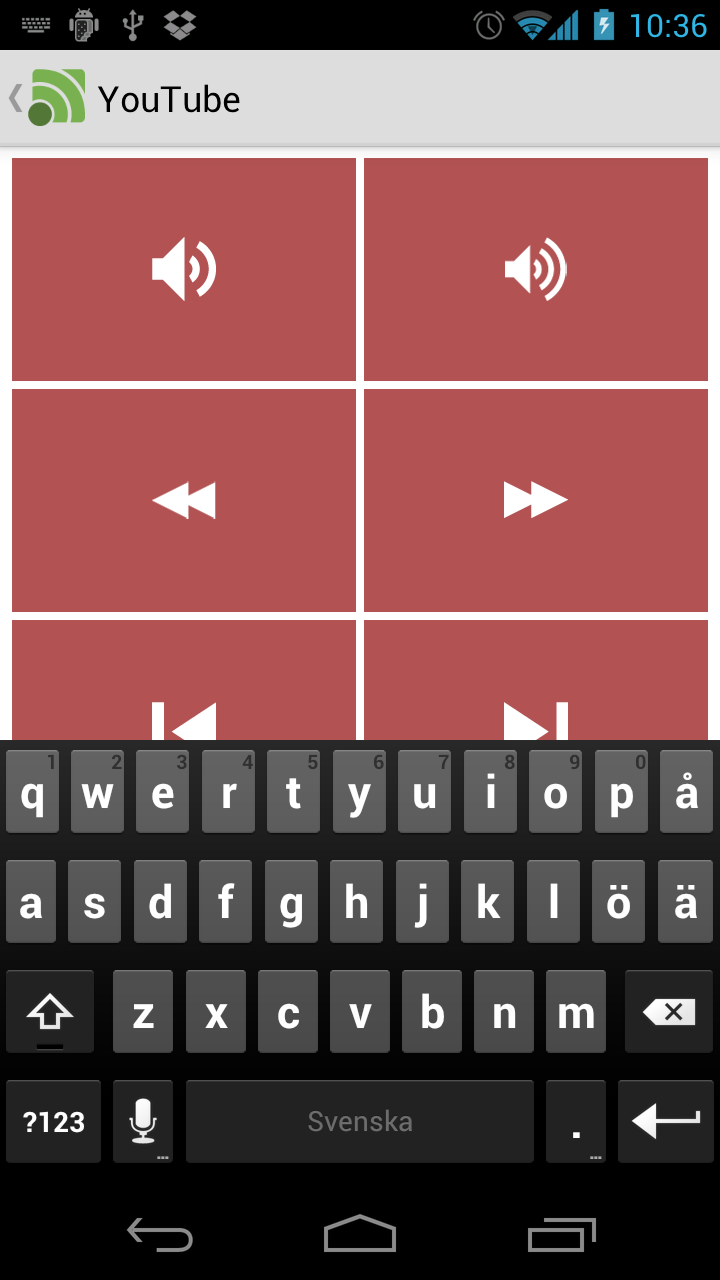
- YouTube
- Media
- Start
- Windows Media Player
The list doesn’t just end there. Other than these apps the paid version offers much more at an extremely reasonable cost. A few of the key remotes it offers are:
- Custom Remotes
- Boxee (Keyboard)
- Boxee (Web)
- Chrome
- Firefox
- Google Music
- Hulu Desktop
- Hulu Web
- Internet Explorer
- iTunes
- J River Media Center
- Monitor
- Media Portal
- MediaMonkey
- Netflix
- Opera
- Pandora
- Picasa
- PowerPoint Advanced
- PowerPoint Basic
- Send Text
- Spotify Advanced
- Tellstick Live (new!)
- USB-UIRT Helper
- Winamp
- Windows Photo Viewer
- VLC (Web)
- XBMC Keyboard/Web/Media
- XBMC Advanced (new!)
As you observe this is quite an extensive list for a measly price. The size of the app is a little less than 1 MB and works on Android 1.5 and above. The free version enjoys a rating of 4.5 stars which is extremely commendable for an app of its stature. For further elaboration of its viability have a look at the video below. All in all this one’s a sure shot download. Go for it!