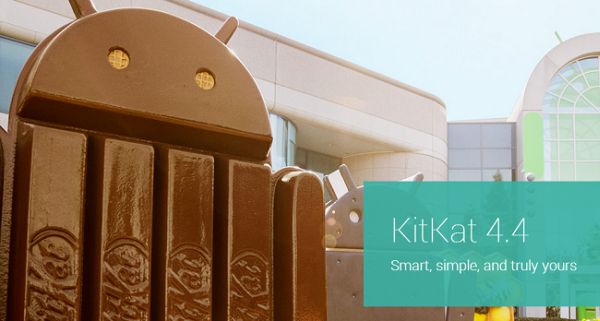
The Android 4.4 KitKat update is now available for users of LG G2 smartphone in Korea. Reportedly, it was slated to roll out by the end of January this year but due to certain circumstances it stepped into the market only by early this week. This is for the Korean market and speculations based on news reports across the world say that other markets will receive it by the end of first quarter.
Highlighting the Essentials of the LG G2 Update
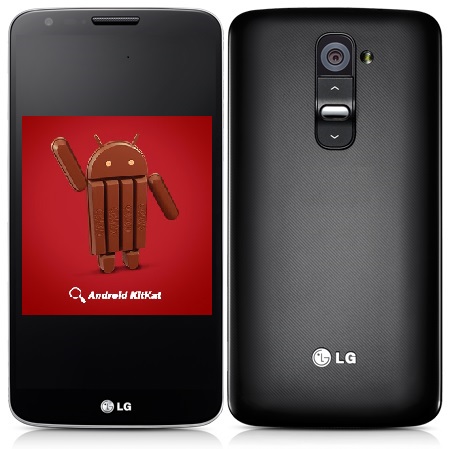
The LG G2 was officially released last year and is currently available only on AT&T and Verizon. It is known for its sophisticated features comparable with the Google flagship, Nexus 5. An impressive list of specifications consists of a 5.2 inch HD display, 13 MP rear Camera, 2GB RAM, 3000 mAh battery, on-screen navigation keys and a Snapdragon 800 processor. In fact, it is effectively the first smartphone in the world to run on Snapdragon 800 processor. Rumors are that a successor to the G2 is in making with QHD display and 5.5 inch screen size, but only time will tell about the solidity of this news.
The recent update will support Android Run Time (ART), an improvised replacement to the existing Dalvik Run Time. ART has the capability to pre-load app bytecode irrespective of the user demand. This reduces loading stress when the user desires to open an app, thereby increasing the system speed by as much as 50%. ART is still under developmental phase but it is more than likely that it will be the runtime for future Android versions.
How to Update Your Device?
If you are an existing G2 user, you will receive a notification showing the availability of software update once the Android 4.4 KitKat update is rolled out. One just needs to ensure that phone has a good internet connectivity and sufficient battery to hold throughout the installation process. Just in case you miss out on the notification or you might have deleted it by mistake, do not panic as you still have the option to upgrade your G2 handset. Follow the sequential process mentioned below:
- Press on the phone’s ‘settings’ menu and go to the ‘systems’ tab.
- Update notification will show up in this space and you can choose to install it.
- Update will take some time and it is advised to wait patiently till it gets over, without fiddling much with other features of the phone.
- Switch off the handset once the installation is complete.
- Restart the device and click on ‘About Device’ in ‘Settings’ menu.
This tab will now essentially reflect Android 4.4 KitKat as running platform.
The latest update will make the device fast and as it will feature ART, known for its advantageous and impressive compiling mechanism – Switching application functionality from ‘right at the moment’ to an ‘in-advance’ approach. Apart from this, KitKat will also feature all the goodies like immersive mode, print trademark, better graphics engine, audio, video etc. which we have been discussing for quite some time now.