If you’re
browsing a website like One Click Root, then you probably own an Android device (or are just really jealous of Android users).
But Android isn’t the only fish in the sea, and as any Windows Phone 8 user will tell you, Microsoft’s newest mobile operating system isn’t bad at all.
Instead of switching to WP8, why not just fantasize about some of the WP8 features that could be coming to Android in the near future?
Okay, you caught me: none of the following features have been announced on Android. But I think they would look really beautiful on the Galaxy S4’s 1080p 5-inch screen. Let’s just hope someone important from Google reads this.
Without further ado, here are some of the best Windows 8 features that would look even better on Android:
5) Hubs
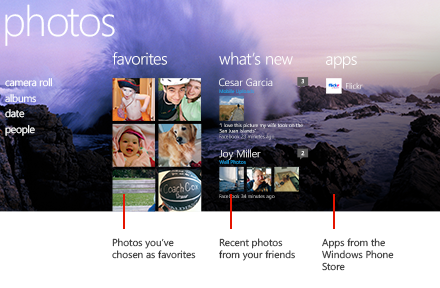
Hubs are an important part of all modern Microsoft operating systems, including the Xbox 360, Windows 8, and Windows Phone 8. Here’s how they work: you open your Music hub and see everything related to music on your device. You open the Photo hub and see everything related to photos from that device.
On the Music hub, for example, you’ll see a random album cover picked from your music collection as well as links to videos and a music store. Most Android users synch their information across all Google accounts anyway, so having hubs on Android could be very useful.
4) People profiles
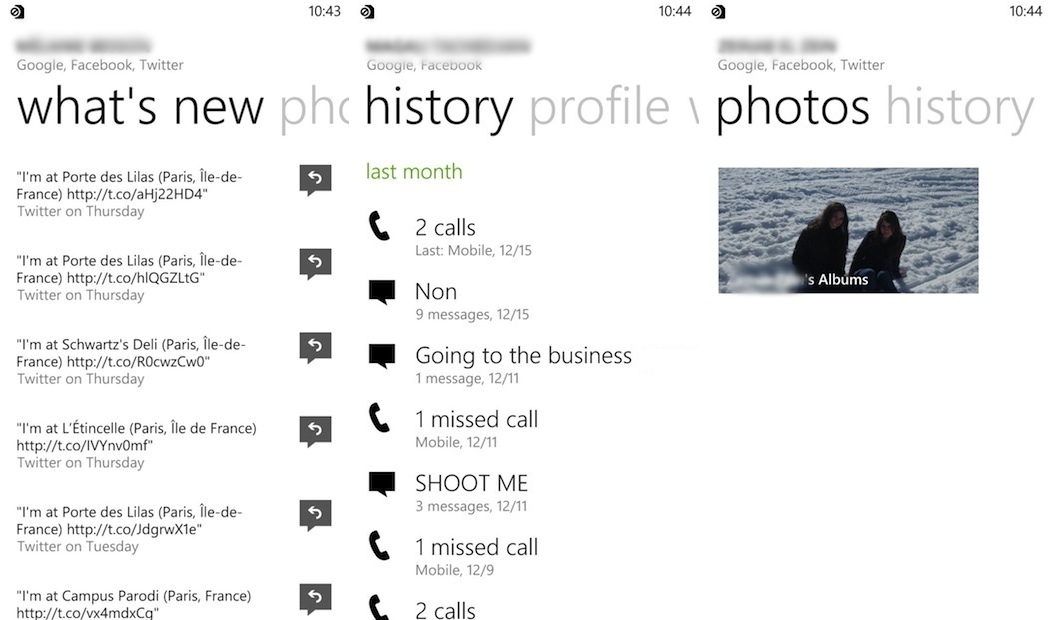
I like the way Windows Phone 8 handles contact pages. Instead of just listing the contact information for that person, Windows Phone 8 shows everything you need to know about that person, including their recent activity, photos, and your contact history with that person.
Think of it as a hub for each contact. And hubs are good.
3) Me Tile
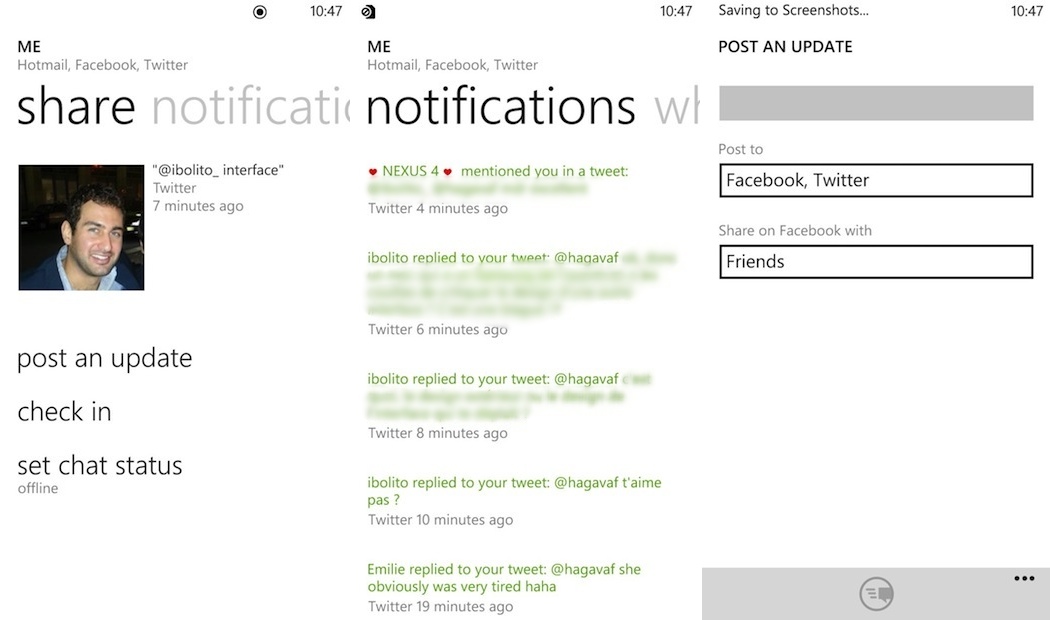
Just like hubs and contact pages were the center for everything you need to know about your friends and phone, the Me Tile is a place where you can learn everything about yourself. You can post to multiple social media profiles simultaneously, check in to various chat applications, and view notifications from social media.
This is another feature that could really take off if it was integrated on Android. Why? Well, Microsoft likes to force users to use its own services – like Outlook and SkyDrive. Google tends to be a bit more open about letting people use other services. So the Me Tile could become something really powerful and multi-functional.
2) Unified chatting and messaging
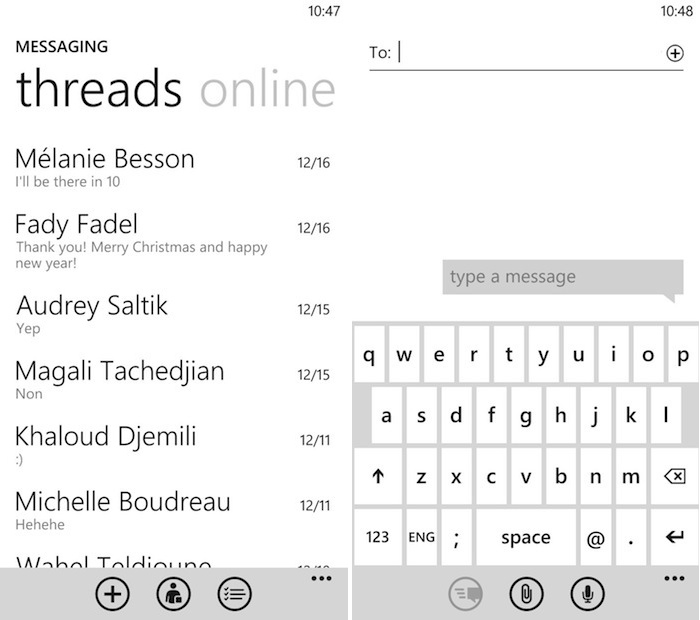
If you want to send a message to your friend right now, you don’t really care which service you send it over. Whether you’re sending it through Twitter, Facebook, Skype, or SMS, they’re probably going to get at least one notification on their smartphone or computer if they’re online.
Android likes it when people use Google Chat. But Google Chat functionality isn’t even integrated that well. On Windows Phone 8, a unified messaging interface makes it easy to contact any of your friends by integrating Facebook and SMS messaging.
You need to send a message to your friends, so you check your Messaging app and send them a message over whatever service you like.
1) Microsoft Office
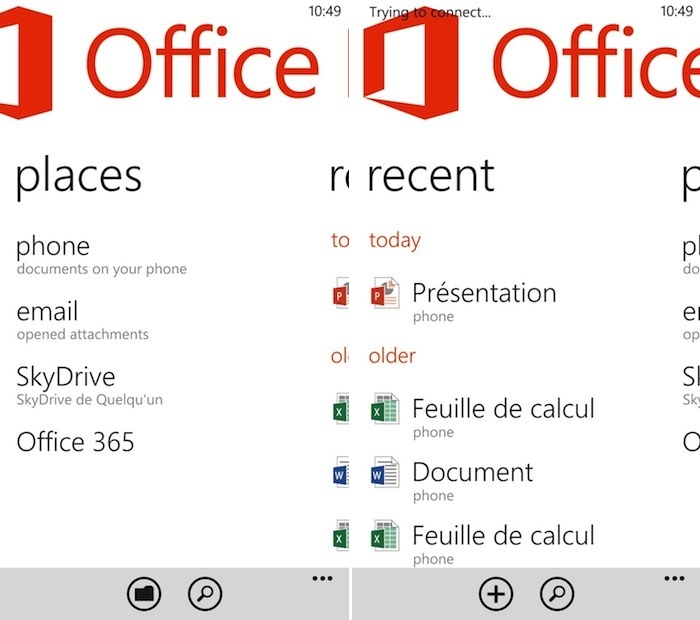
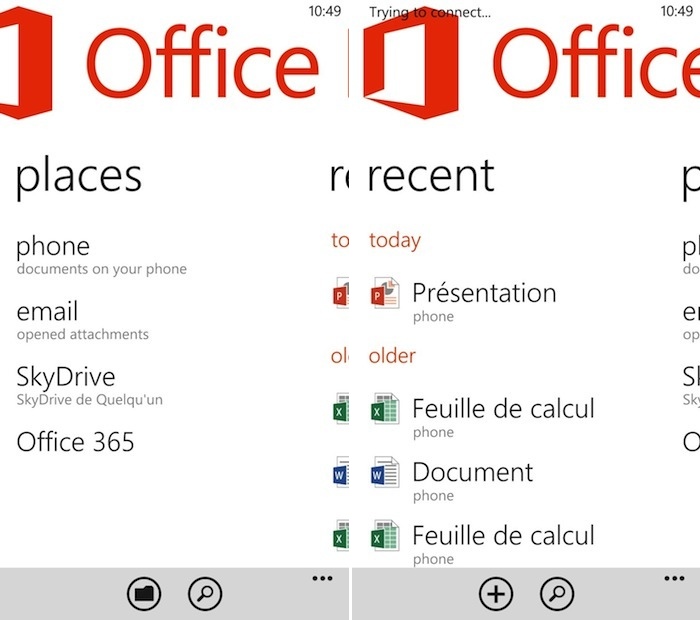
Google appears to have a big blind spot around Microsoft Office. Most people in the world use Microsoft Office to handle their day-to-day office-related tasks. So why wouldn’t the world’s most popular mobile operating system have full Microsoft Office support? Your guess is as good as mine.
Android instead forces users to either buy Microsoft Office or use Google Drive. Drive is merely okay, but like most Google services, it becomes a nightmare to use when not connected to the internet.
Windows Phone 8 understandably has full support for Microsoft Office. We’re jealous. Please include better Office functionality in the next version of Android.