

Android On Notebooks Proves to Be a Letdown
3 min read
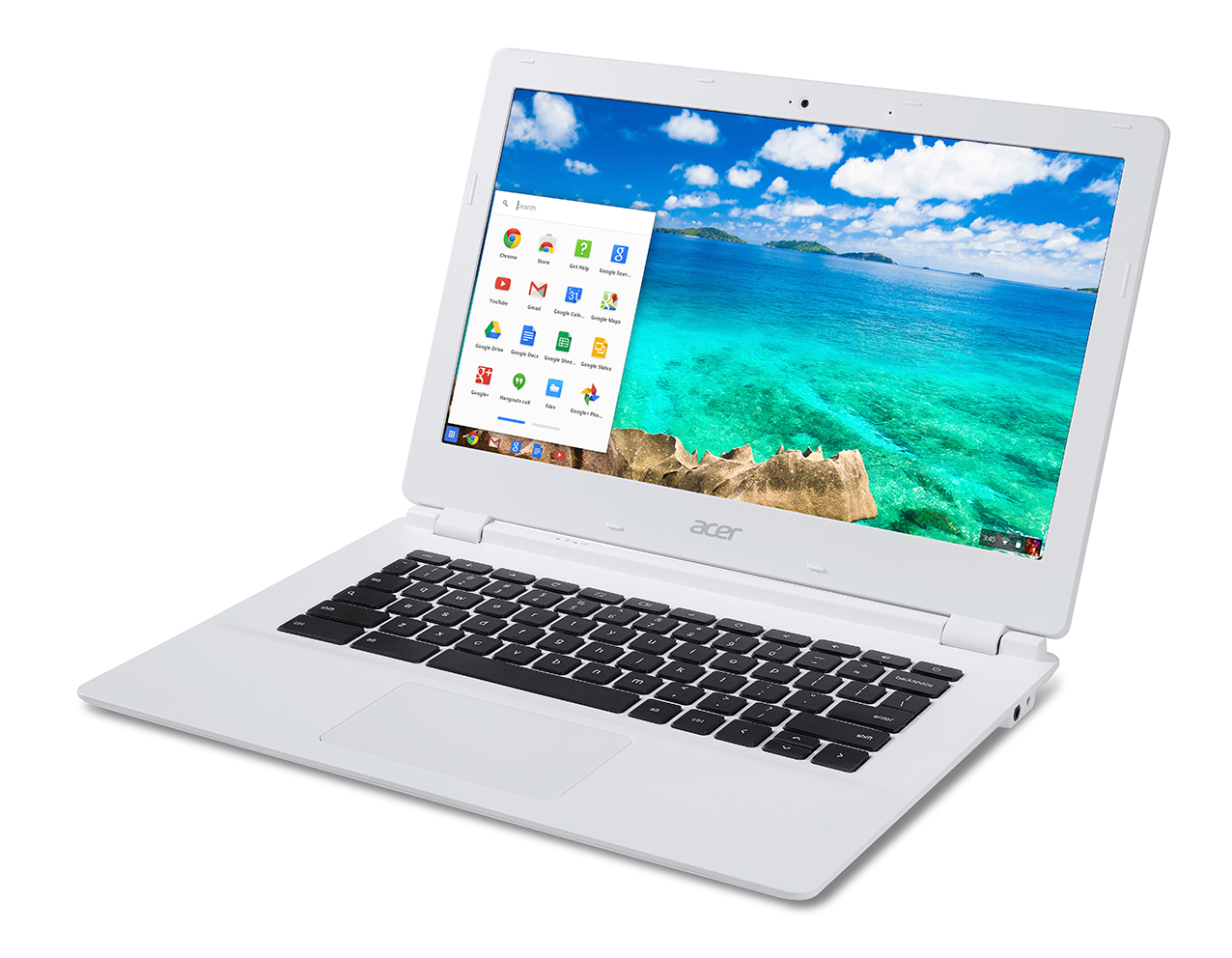
The idea was a good one. Running the famous and popular Android on a gadget like the notebook appears to be in tune with the times. However, the HP Slatebook 14 has not measured up to expectations and we will see why.
Cannot Get ChromeCast On Full Screen
Firstly, the concept of using the in demand HP Chromebook 14 hardware and jazzing it up with a different color has not had the impact. Though the speakers are better and the screen resolution at 1920x1080 HD is also much better, the use of Jelly Bean as the operating system has robbed the unit of precious storage space. This has also led to lesser power for the lap top.
The problem is with the Jelly Bean 4.3 and had they gone for Kit Kat, the result would have been better. Now, users who wish to use the updated Chromecast application will not get the full screen for presentations. They have to use either the HDMI output or the USB for that and the dongle won’t help. An update to this seems unlikely very soon unless they go for the Android L directly and by pass Kit Kat.
Jelly Bean Problems With W-Fi
Jelly Bean, users will recall had some inconsistencies when it came to Wi-Fi. The app caused lag and slow down and users often got a message saying the app was not responding. Some got around the problem by tapping “wait” but that is not how a good Wi-Fi connection responds. By installing Jelly Bean on this gadget, HP has not solved the issue or made things easier for the user and he is likely to face the same problem, especially when the internet speed is not ideal.
Another issue is the ability to tile up windows. With such a vast screen real estate, you would have expected the Chromebook to provide you that feature. But sadly, Android does not have it in this gadget and you would not be able to tile pairs of windows on the screen simultaneously. HP could have put in some customization to make this happen.
Let us get to the Positives
Having mentioned the above, there are some positive aspects as well. You feel great typing on the ultra responsive keyboard. The row of shortcuts placed instead of the function keys is a good idea and a useful one. The touchpad is spacious and you can also adjust the sensitivity as per your comfort level.
The screen with its resolution at 1080p looks lively and responds very nicely to swipes. The display is crisp and the 14 inch screen space makes it easy for you to put in the apps. It can become a tad reflective in good light though and you would have to make the screen angle adjustment accordingly to get you the perfect display.
The gadget has one 1HDMI port and a micro-SD slot. There is one USB 3.0 and 2 USB 2.0 ports that you can use. The mic combo jack and stereo headphones with the charging connector completes the paraphernalia.
Newsletter
Get the latest tech news delivered to your inbox weekly.