

 Here are Cliffhanger’s most important features:
-Add all of the TV shows that you currently watch
Here are Cliffhanger’s most important features:
-Add all of the TV shows that you currently watch
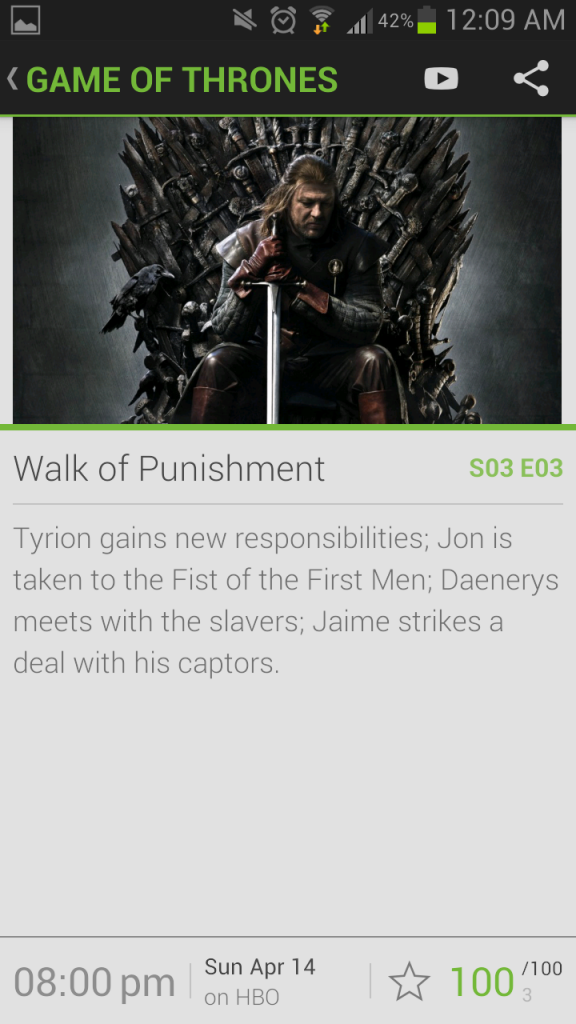
 -View the list of episodes by the date they aired along with a brief episode description. Since the episode description is taken from the show’s official listing, they tend not to reveal too many spoilers.
-Experience a gorgeous, easy-to-use design that makes looking through your TV shows a wonderful experience
-Track all of your recent TV show episodes on one single page
-Find new favorite TV shows
-View the list of episodes by the date they aired along with a brief episode description. Since the episode description is taken from the show’s official listing, they tend not to reveal too many spoilers.
-Experience a gorgeous, easy-to-use design that makes looking through your TV shows a wonderful experience
-Track all of your recent TV show episodes on one single page
-Find new favorite TV shows
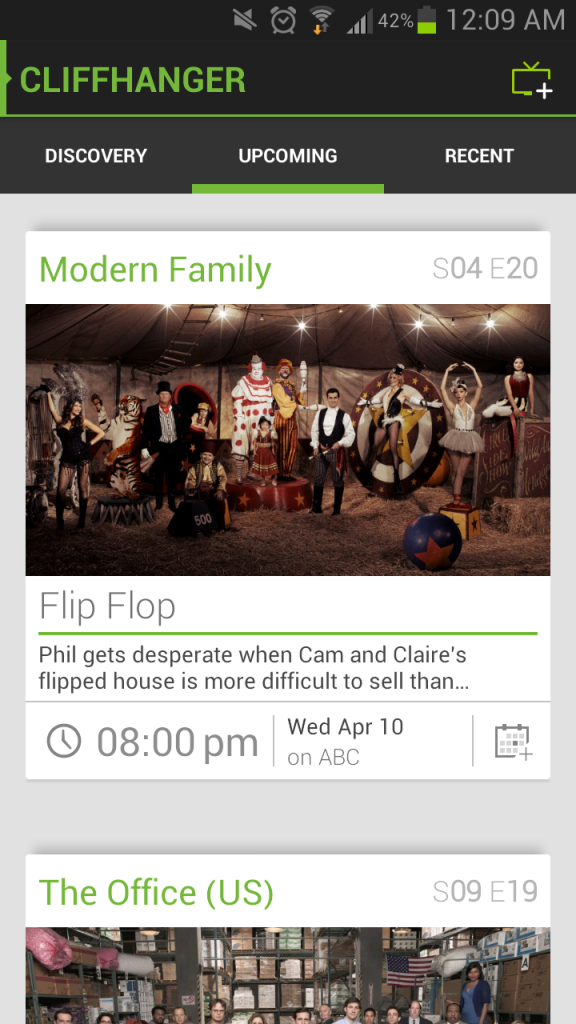
 The episode tracking is the best of any app I’ve seen thus far. There are two tabs available: ‘Recent’ and ‘Upcoming’. Under the recent tab, you can scroll back through a chronological listing of all the episodes you’ve missed over the past few weeks. And under the ‘upcoming’ tab you’ll get a glimpse into the future with all of the episodes that will be airing over the next few weeks.
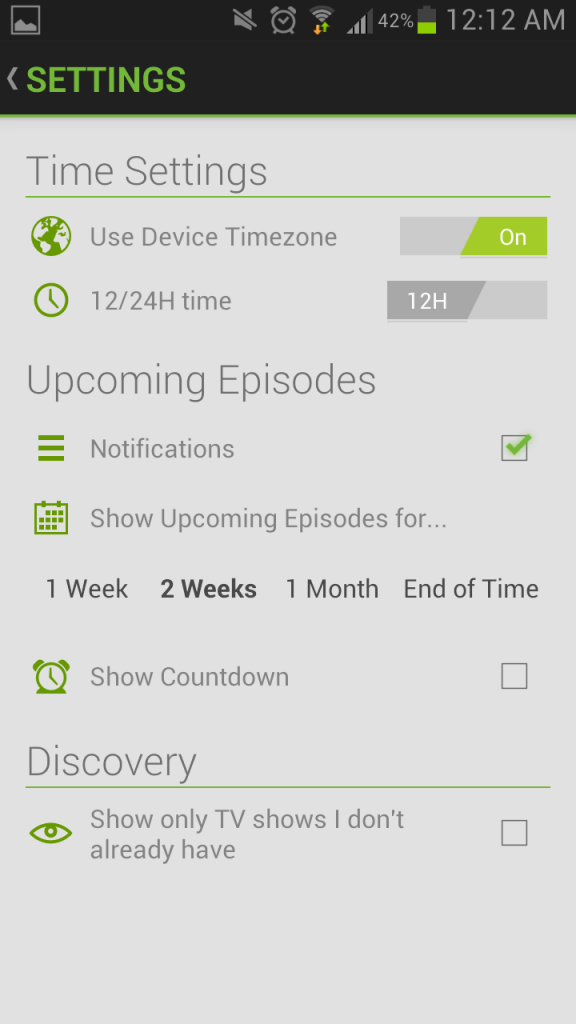
You can also receive notifications before upcoming episodes air. The app will automatically detect your time zone and provide a countdown until each episode airs on your TV.
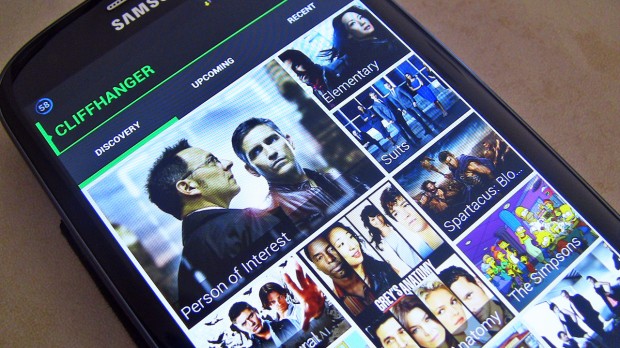
Cliffhanger is also good for finding new shows to watch. The front page of the app automatically lists all trending TV series. Users can also rate shows that they like or dislike.
Some people have called these years the new golden age of television. When you think of all the top-quality shows that are currently entertaining people all over the world, it’s hard to disagree. And with the Cliffhanger app for Android, keeping track of all of those TV shows is as easy as possible.
And hey, even if you don’t watch TV, just take a browse through Cliffhanger’s interface. It’s beautiful.
The episode tracking is the best of any app I’ve seen thus far. There are two tabs available: ‘Recent’ and ‘Upcoming’. Under the recent tab, you can scroll back through a chronological listing of all the episodes you’ve missed over the past few weeks. And under the ‘upcoming’ tab you’ll get a glimpse into the future with all of the episodes that will be airing over the next few weeks.
You can also receive notifications before upcoming episodes air. The app will automatically detect your time zone and provide a countdown until each episode airs on your TV.
Cliffhanger is also good for finding new shows to watch. The front page of the app automatically lists all trending TV series. Users can also rate shows that they like or dislike.
Some people have called these years the new golden age of television. When you think of all the top-quality shows that are currently entertaining people all over the world, it’s hard to disagree. And with the Cliffhanger app for Android, keeping track of all of those TV shows is as easy as possible.
And hey, even if you don’t watch TV, just take a browse through Cliffhanger’s interface. It’s beautiful.
Download Cliffhanger for free from the Google Play Store