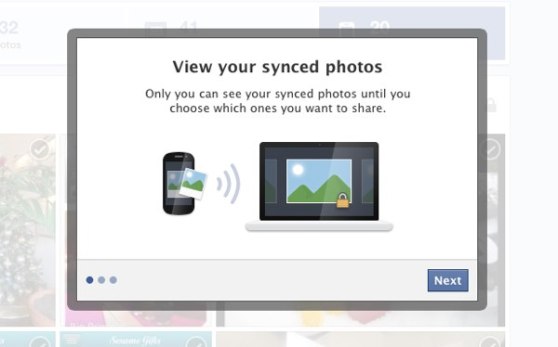
We talked about Facebook’s upcoming photo sync
feature a few months ago. Well, that feature has finally been released, and today, Facebook users on Android can choose to automatically upload their camera’s photos to a (private) album on Facebook.
This feature works a lot like Dropbox’s automatic syncing tool. The pictures you take on your camera are automatically uploaded to a private Dropbox folder when you have access to a Wi-Fi network. It’s a no-brainer way to keep your photos safe and prevent them from being lost if you ever lose access to your phone.
Facebook’s photo sync will store up to 2GB worth of images on its servers. It will sync photos automatically when on a cellular network, although the pictures uploaded over the network will be of a lower level of quality than ones uploaded over Wi-Fi. Facebook will also avoid uploading photos if the phone’s battery is running low.
How to turn photo syncing on or off
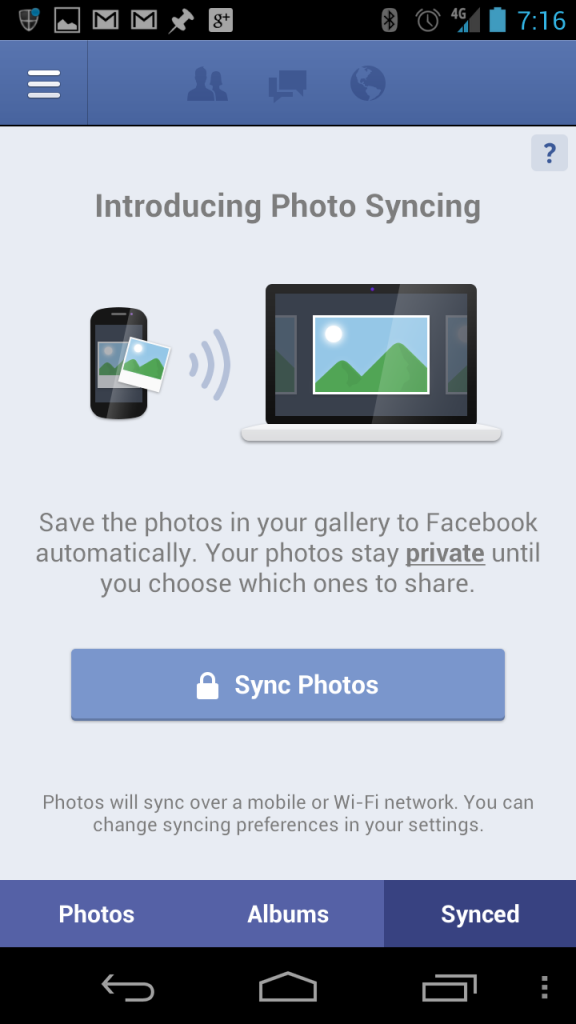
Photo syncing options can be accessed directly from the Facebook app. Go to your timeline and click on
Photos. Then, look for the
Synced tab along the bottom of the screen beside
Photos and
Albums.
You can view synced photos from your computer as well. Go to your Timeline>Photos and then look for the
Synced From Phone tab along the top menu bar.
To turn photo syncing off, go to the menu at the upper right corner of your Facebook app (the three lines symbol) and then tap Account > App Settings > Sync Photos. From that menu, tap
Don’t sync my photos.
Privacy concerns
We mentioned privacy concerns
in our first article on this topic, but they’re worth mentioning again. Think of all the pictures you take on your Android phone. Now think of how many of those pictures you’d want your family, friends, and coworkers on Facebook to see. Think of how many of those pictures would get you in trouble if they appeared on the internet.
Yes, the photo album on Facebook is private, but that information is still technically available on Facebook’s servers. Although Facebook’s security is top notch, those pictures could still be accessed during a data leak or some other security breakdown.
What do you think? Is automatic photo syncing via Facebook a good idea? Or does it have the potential to ruin some lives? Let us know in the comments below!