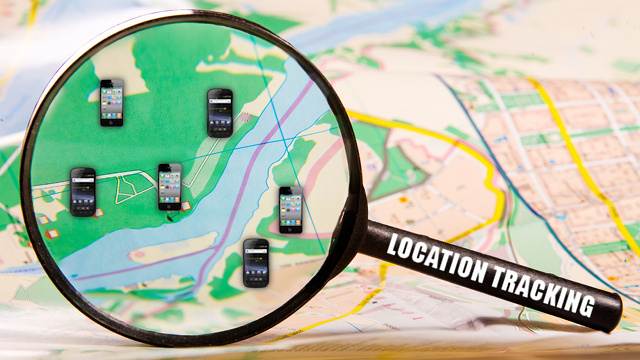
You would know, as a smartphone user, how cumbersome it is to change the settings on your device every time, owing to a difference in situation. It is only evident in most cases to feel how convenient it would be if we don’t need to worry about such tasks while entering office, school, gym etc. Life would be much easier with a private help in managing the smartness of our smartphone. A situation when our device turns on WiFi once we are back home, turns off Bluetooth, adjust brightness, change wallpaper, change ‘ringer’ state to ‘vibration’ all according to our preferences.
Key Insights & Features
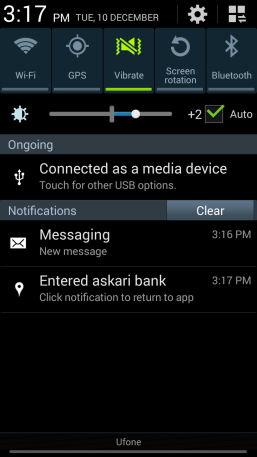
These luxuries are now available with “
Location tracker, my helper” available for free download in Google Play App Store. This app was designed to add comfort and security to our life with smartphone. It responds to according to the location defined by you without literally interrupting your workflow. It acts as our personal helper and we can define fences for its activities. E.g. If you want your phone in ‘meeting’ mode when you enter office or a meeting, you can define a radius around that area in this app, and it does the job of carrying out the task once moment you enter the radius.
The notable features include the following:
- Since it’s a cloud based app, we can keep adding places according to our choice.
- We can turn on notifications for entering a pre-defined area.
- 3D Maps and 3D Buildings simulate a realistic feeling.
- We can search and look for addresses.
- Google Maps support, both online and offline.
- Artificial Intelligence.
- Street view is available.
- We can customize the app.
- Auto-texting to any other number at any pre-defined time.
- Automatic Wi-Fi, Bluetooth, GPRS, GPS state handling.
- Automatic brightness adjustments and wallpaper change.
- Automatic launch of apps and emails.
How to Get Started
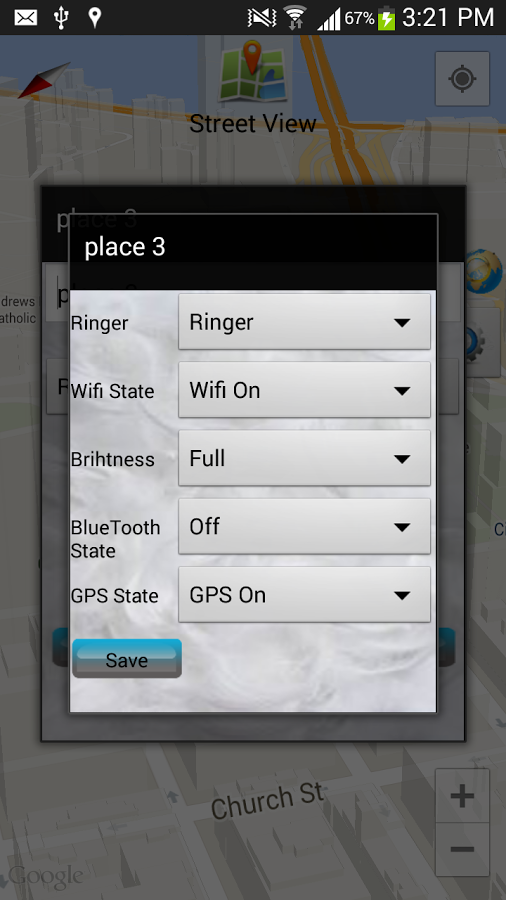
It is proclaimed as an easy to use and simple app with least of complications. The basic steps of using the app is as follows –
- Long press and hold finger on map to add a particular location
- Click on tagged places and you can define the following – name, radius of fence
- You can add events also
- You can also search for places with the help of search button
- Designate the tasks to be carried out in a sequential manner
Users have manifested a positive response for the app and its practicality. Besides, it also uses minimal resources which imply that the device will run in optimum speed despite the presence of this app. A new version, 1.3 is out and it has the following added to the features list – Animation, better and faster performance, better battery life and it runs in more devices. Also, there are new and spectacular map views available, namely Hybrid view and Terrain view. It is developed by the famous Grape-Studio who has designed innovative and useful apps on image editing and likes in the past.