There are thousands of entertaining games for Android. But unfortunately, many Android games are hobbled by one crucial shortcoming: the controls.
As hard as developers try to perfect the controls on smartphones, many shooters and other games still feel clunky. If you have ever played Dead Trigger after years of playing Call of Duty on PCs and consoles, then you know what I mean – no matter how much developers try to optimize touch-screen shooter controls, there’s no replacement for a good physical controller.
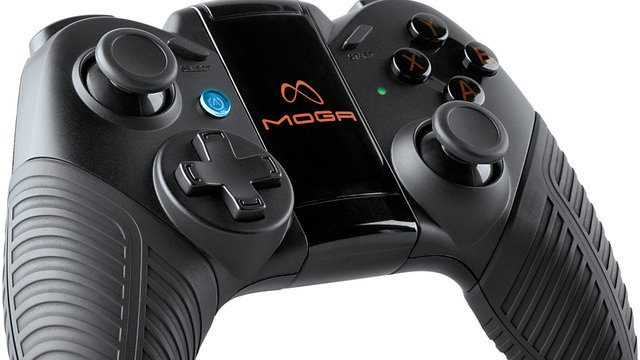
That’s why I like the Moga Pro controller, a new device specifically designed to play Android games. Today, we’ll give you a brief review of the Moga Pro controller and explain why it can make you significantly better at whatever Android games you play.
Xbox 360 style controls: Take a look at the Moga Pro. Does it look familiar? Probably. The controller is basically identical to the Xbox 360’s controller, also known as the greatest gaming controller ever made. So if you’ve grown up playing the Xbox 360, then you’re going to love the Moga Pro – no looking down at buttons required! The only real difference is that the Start and Select buttons are not directly in the middle of the controller – they’re off to either side. Deal with it.
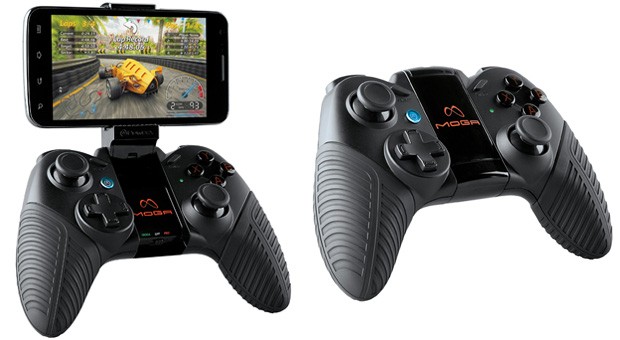
Convenient smartphone cradle: At first glance, you might wonder what the sleek black section in the middle of the Moga Pro is for. It’s actually a cradle for your smartphone. The black section folds out to form an aesthetically-pleasing (and surprisingly secure) phone cradle. The cradle can be adjusted to fit whatever size your phone is.
Wireless Bluetooth connection: No wires required for this controller – just scan for nearby Bluetooth devices and your phone will connect right away.
No input lag: Many good wireless controllers have been derailed due to a serious case of input lag. Fortunately, the Moga Pro takes input lag seriously and avoids it all costs. You can expect games to run smoothly with as little lag as possible. In fact, the only lag you’ll notice is likely from the software side of things. If you have an older phone, this controller won’t magically allow it to play the latest and greatest HD Android games.
Dedicated Moga Pro app: Game developers and Moga Pro have teamed up to add controller functionality to a number of popular apps. To find those apps, you just have to open the Moga Pro app on your Android and browse through your drawer of games. So far, popular games include R-Type and Dead Trigger and several others. Dozens more are being added every month.
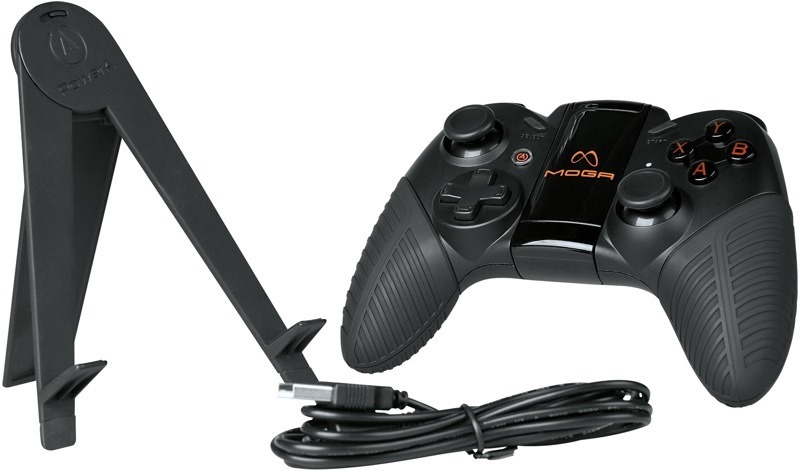
A separate stand for Android tablets: The Moga Pro isn’t limited to Android smartphones. You can also use it with your Android tablet. And since there’s no way a tablet is going to fit on that little phone cradle, the creators of Moga Pro actually included a separate tablet stand.
A decent price: The Moga Pro costs $50, which I think is a fair price to pay for a wireless controller. After all, the Xbox 360 controller costs about the same price – and that’s after being on the market for nearly a decade. For $50, you won’t find a better Android gaming controller.
Micro-USB charging with internal battery: I don’t know about you, but I hate owning peripherals with batteries (I know I’m not alone). Fortunately, the Moga Pro comes with a micro USB charging cable and internal batteries.
Want a cheaper option?
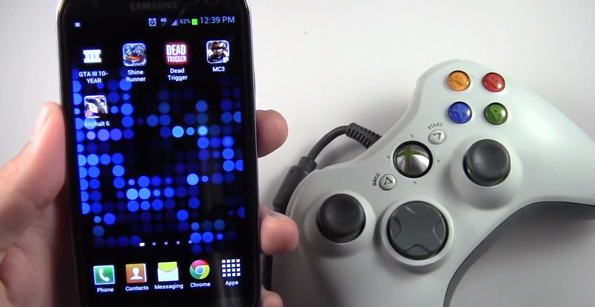
At the risk of sounding biased towards the Moga Pro, we’ll tell you about another option that costs just $5: buy an ‘OTG’ (USB On The Go) cable and attach your Xbox 360 or PS3 controller. That’s right: there’s nothing stopping you from plugging your console controller into your Android except for the simple fact that there are no USB slots on your smartphone. An OTG cable solves that problem and is much cheaper than $50.