What makes this app #1 in its field?
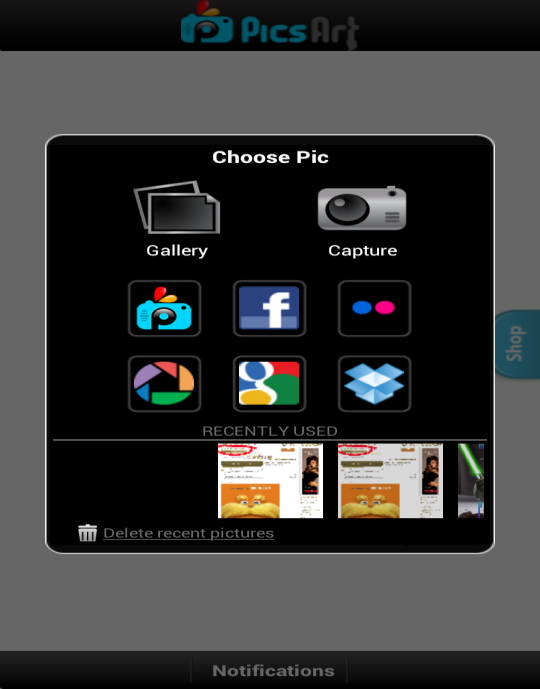
PicsArt, currently running its third version, permits photo editing with effects that no other photo app provides. In addition to this it houses an integrated community of professional editors and amateur photo editors whose photos look professional courtesy PicsArt. The best part is that it is available for free across android platforms and smartphones. It is user friendly and extremely easy to navigate across. It contains key features that many other paid apps are also deprived off. With its increasing popularity, the community base within the app is widening and making the social experience as captivating as ever. The app provides a social experience better than what Instagram has to offer in addition to a lot more features. A user simply creates his profile e,g. @ShaneWIlson and uses this to follow others in his community and be followed. One can also sync their PicsArt account with their Facebook account. PicsArt permits you to share images on PicsArt’s internal community, Flickr, Facebook, Picasa, Twitter, Dropbox, Foursquare, Blogger, Wordpress, DeviantArt. 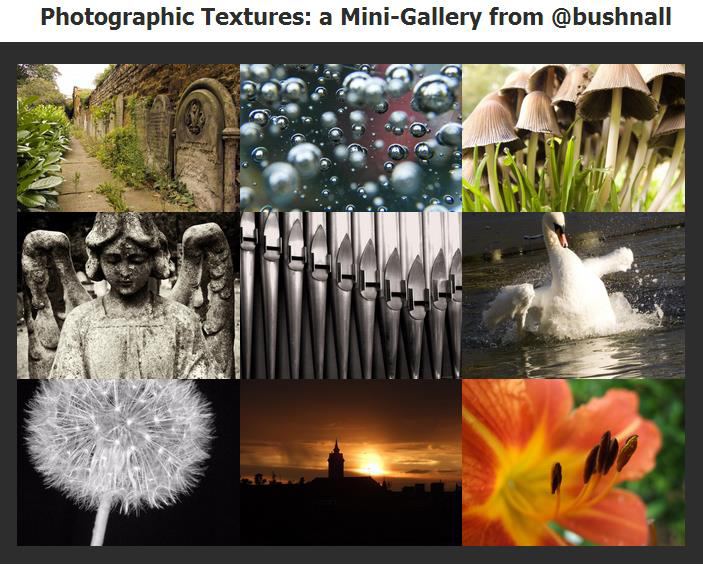
Exploring the app, let’s take a look at the key tabs.
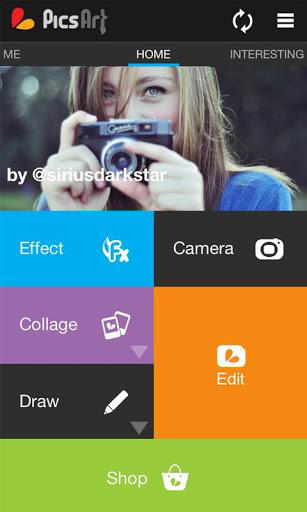 Home: The home screen of the app enables you to add effects, take pictures, draw, edit and create collages.
My Network: The integrated network of people you follow and what new from their end.
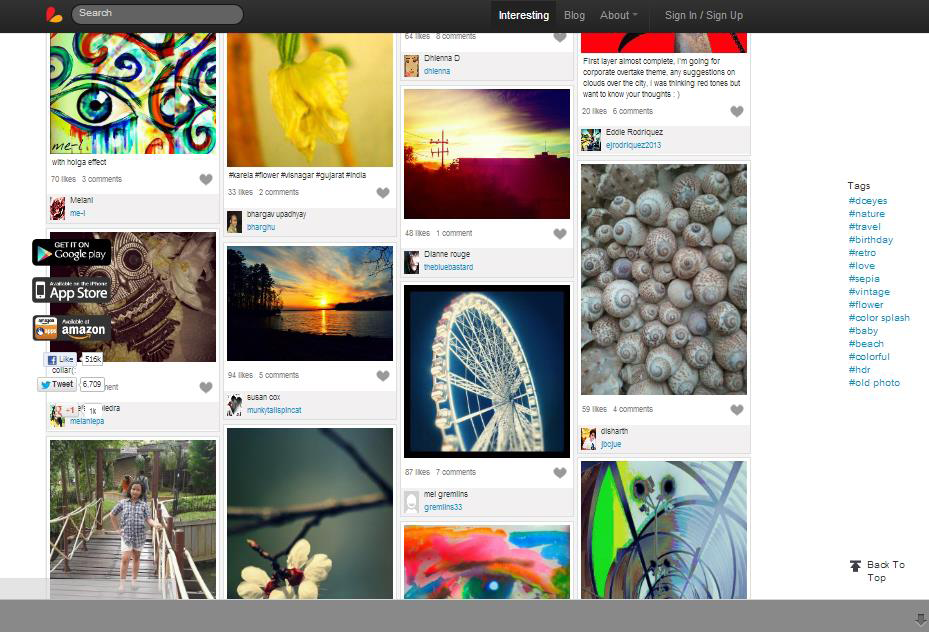
Interesting: An algorithm that analyzes all content being searched and viewed by you and subsequently displays the most interesting photos as per your preference.
Recent: A list of photos that you viewed in the past. This can easily be edited and deleted through the history.
Top Tags: This features all those photos that are trending and have a high viewer rating. These tags are segregated using the hashtag (#) followed by the respective category name.
Artists: Top artists creating a buzz in the PicsArt world.
And Now for the Effects–
These are just a few of the multitude of remarkable effects this app has to offer.
Home: The home screen of the app enables you to add effects, take pictures, draw, edit and create collages.
My Network: The integrated network of people you follow and what new from their end.
Interesting: An algorithm that analyzes all content being searched and viewed by you and subsequently displays the most interesting photos as per your preference.
Recent: A list of photos that you viewed in the past. This can easily be edited and deleted through the history.
Top Tags: This features all those photos that are trending and have a high viewer rating. These tags are segregated using the hashtag (#) followed by the respective category name.
Artists: Top artists creating a buzz in the PicsArt world.
And Now for the Effects–
These are just a few of the multitude of remarkable effects this app has to offer.
EFFECTS HOMESCREEN
FX: Twilight, Warm Colour, Vintage, Blur, Sepia, Sharpen. Artistic: Poster, Old paper, Pastel, Comic, Neon, Sketch, Water Colour, Stencil, Pencil, Oil, Sketcher. Pop Art: Multiple colours, 4x4 imaging.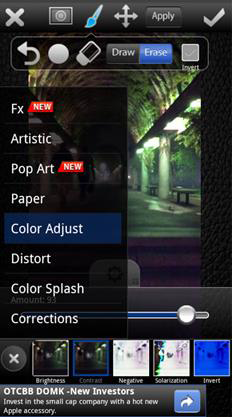 Paper: Multiple Stencil designs.
Colour Adjust: Saturation, Black and White, Hue, Negative, Solarisation.
Distort: Focal Zoom, Pixelate, Cylinder.
Colour-Splash: Multiple colours splashed onto the image.
Corrections: Red eye, Colour eye, Blemish fix.
One can easily identify and relate to these effects as we have all used at least a few if not all of them at some point of time. For those who haven’t, this is the easiest and the best platform to begin. Here are a few examples of how the effects look in action. Here are a few conventional effects, yet must not go without a mention simply to elaborate the countless features this app provides. Tool: Rotate, Crop, Free crop, Shape crop, Flip. Mask: Masks the entire photo or selected parts of the photo with its featured effects. Call Out: Conversation bubbles, Thought bubbles etc. Draw: This feature enables you to free hand draw and draw on a selected image with multiple paint brush thickness and designs that embellish the output of the image. Clipart: The conventional Power-point photos PicsArt style. Frame & Border: Creative designer frames and borders way more than what Instagram contains. All in all, PicsArt has absolutely everything a picture editor needs. Using the correct hashtags and appropriate channels to share and distribute the edited photos will only make the experience of this app more beneficial for the user. I would definitely give this app a 5-Star rating. Download it from the Google PlayStore today and enter the world of imagery addiction.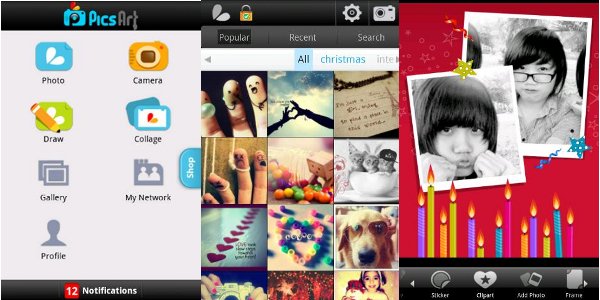 Before ending, here’s a sneak peak of how your photos would look like on PicsArt.