If you aren’t in school and you are reading this, then I’m afraid what you are about to read is going to make you jealous. Well, that is assuming you’re not a teacher of course. Although
PingPong is an Android app that may sound like a fun game to wile away your time, it is actually what can only be dubbed as every teacher’s fabled elixir.
PingPong is an Android app created for the students and teachers. It is essentially one of the best tools that will set the tone of the class and those boring classes that you sat for as little children would never be boring again!
PingPong is an interactive app for all the students and teachers on the house that think teaching and learning both are a burden filled task.
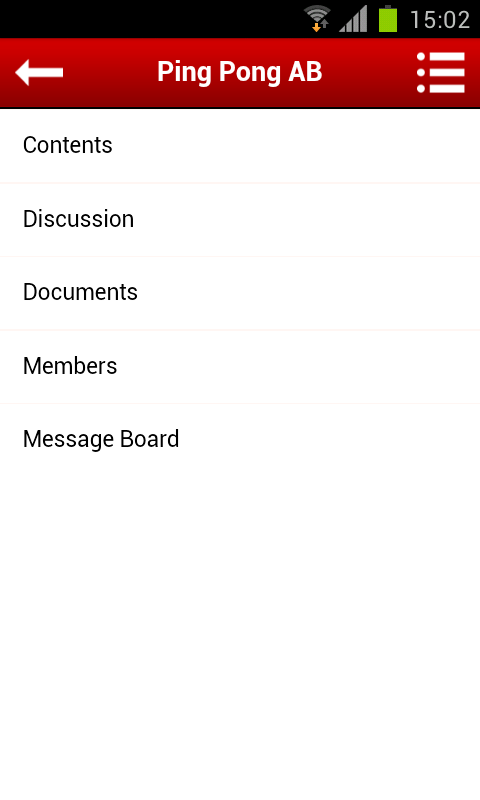
The Pingpong app is an interactive tool that helps students and teachers maintain their concentration throughout the class and at the same time add value it the learning thorough it.
The app functions in real-time and teachers can have access to all that the student is answering in class.
The PingPong app is simple and takes the art of learning to the next level by allowing teachers to plot a graph of the progress of the student through each stage of the test and monitor each and every aspect.
The app has four major categories of question types where the questions for each specific subject are in built and in addition to this you can add in your own questions too. The questions within them too have multiple patterns
- Multiple Choice Questions
- True/False
- Short Answer
- Drawings
The objective is to optimize the entire test taking process through a simple app that lets you do all you need through interacting with it. The PingPong app comes with Evernote integration and thus the teacher can in live time sync notes and task assignments through the app itself.
What’s even better is that the teacher has an access to a graph and pie chart that shows the patterns of answering of each question and only she has access to this. While at the same time students have access to the questions that have been curated by the test taker.
At the same time, the principle of learning can be extended to teachers checking the levels of concentration of the student is through the PingPong app by seeing the level of student engagement they are commanding in their teaching sessions.
The PingPong app lets you randomly select students and you can interact with them as a teacher.
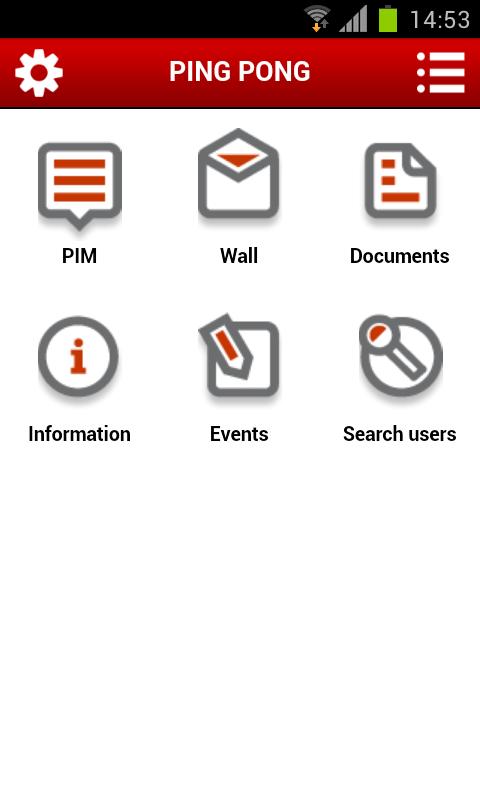
You can also add in a timer to ask the students to answer the question within and keep a check on their level of focus.
The app provides a total of 4 types of quizzes, question, debate, vote, and more that could be used freely straight from the app.
It is yes the start of a phase of interactive learning and through this the use of technology to effectively get students to concentrate can be fulfilled as well.
With an average rating of 3 stars on Google Play Store and a small yet dedicated community of users, it is yet to be discovered by many. Be one of the starting first and you will surely be able to get a lot more students to ace their way through school.