Android rooting is more popular today than it has ever been before. Of course, that has a lot to do with the fact that there are more Android users today than ever before, but the point remains the same.
Why do people root their Androids? Why should
you care about Android rooting? Here are our top 5 favorite benefits of Android rooting.
Total backup control
Today’s smartphones are really complicated. When something goes wrong, your smartphone may turn into a brick.
When disaster occurs, you want a backup that can restore everything on your Android device. Unfortunately, the only way to create that backup is through rooting.
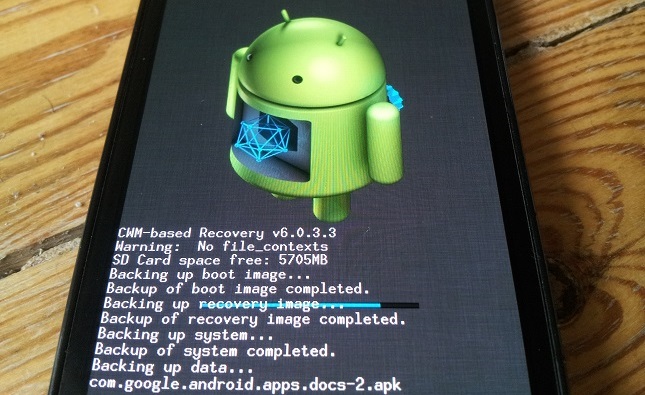
If you don’t root, then your backup only restores things like your apps and contact data. Thanks to root-only backup apps like Titanium Backup and ClockworkMod Recovery, you can enjoy superior backup functionality which creates backups of everything from your browser bookmarks to text message history.
There’s only one way to completely back up your Android device, and that’s by rooting it first.
Install the latest version of Android right away
One of the frustrating things about Android is not being able to access the latest Android versions on all devices.
Google will announce a cool new update like Android 4.4 KitKat, but you won’t get that update until 6 to 10 months down the road – that is, of course, if you ever get it at all.
Unless you’re using a Nexus device, this is an annoying and serious problem. The best way to avoid this problem is to root your device and install the latest Android updates whenever you want.
After rooting your device, you can easily download and install custom ROMs which use the latest version of Android. If you have a popular device, many of these custom ROMs will be customized and tested on your specific device – which means no weird problems or glitches.
Give your phone a totally new feel with thousands of free custom ROMs
Custom ROMs are a major reason to root Android. You can give your Android a totally new look and feel with the help of a custom ROM.
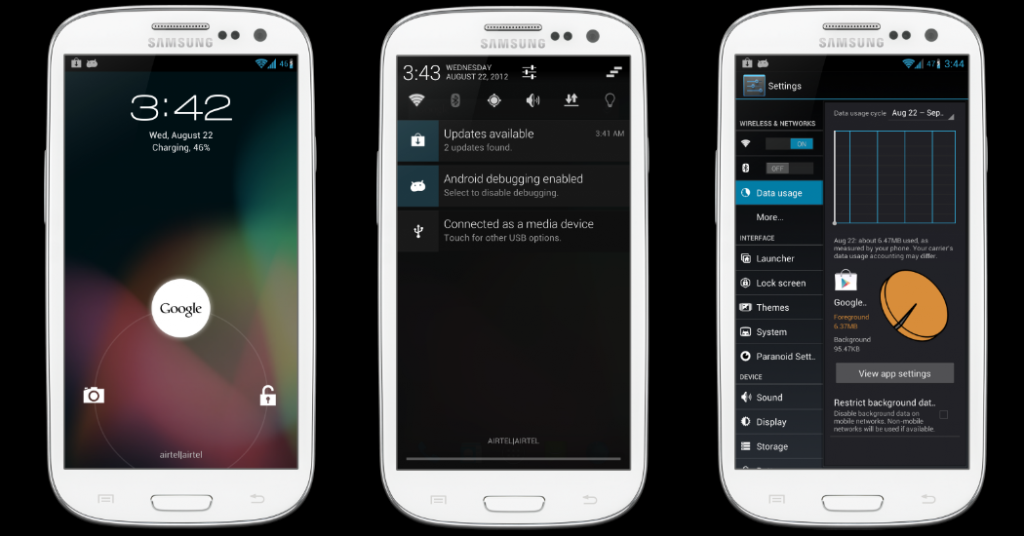
There are thousands of custom ROMs available for free online. All of them require root access. Installing a custom ROM is kind of like installing a new Android theme. However, themes only customize the visual parts of Android, while a custom ROM totally installs a new platform.
Why is that good?
Well, some custom ROMs are optimized for battery efficiency, while others are designed for fast performance. Some are specifically built around your device, while others can be installed on virtually any Android device.
The end result is more freedom over how you use your phone.
Enjoy the best Android apps without restrictions
Some of the best Android apps have root-only versions which are
even better.
Apps like Cerberus and Titanium Backup, for example, have root functions that significantly enhance their usefulness.
On Cerberus, you can view GPS data on your phone even when it’s locked. This helps you track down phone thieves or find a lost phone.
Once you’ve rooted your device, you can easily grant any Android app administrator privileges. Useful Android root-only apps include gesture apps, data backup software, theme managers, and so much more.
Uninstall bloatware and other unwanted data
It’s difficult to find a smartphone without bloatware. Even Google’s Nexus devices have bloatware. Whether your phone has uninstallable Google apps or pointless apps like Samsung’s ChatON, most Android users hate bloatware.
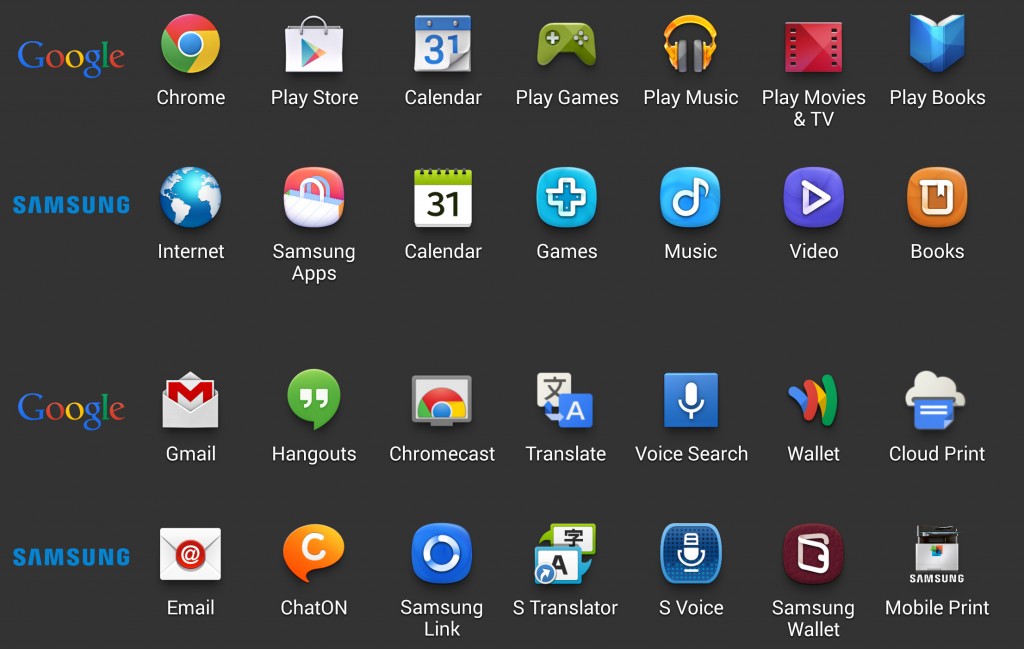
The only way to uninstall bloatware is to root your device.
After rooting, you can easily uninstall anything on your phone. You can remove core system data (although you shouldn’t) and delete apps that your carrier and manufacturer don’t want you to delete.
Ultimately, this means faster performance and more storage space. If you’re sick of getting 12GB of usable storage space on your 16GB smartphone, then rooting can unlock several more gigabytes of space.
Ready to root?
If you’re ready to root your Android device, then
install One Click Root today and see if it’s compatible with your device. If not, you can contact our Android rooting specialists who will manually root your device over the internet – it’s that easy!