

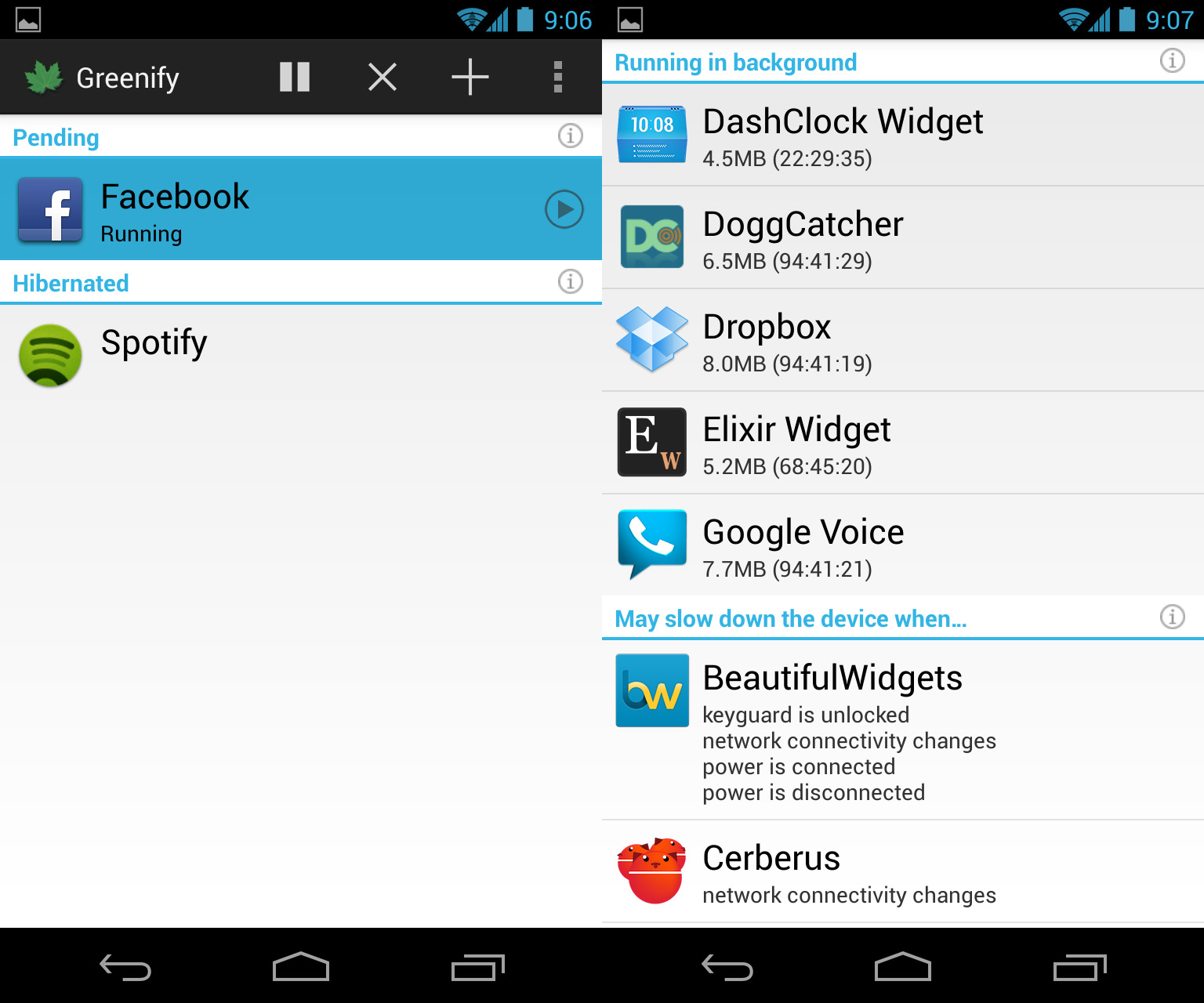
 Greenify’s developer – someone who is undoubtedly an expert on task killing in Android – recently came out and said the following:
Constantly swiping apps or cancelling background tasks isn’t a good idea because “it reduces the efficiency of process cache mechanism in Android, thus impact the performance of your device [sic].”
Greenify, of course, is the popular app that forces background apps to hibernate when not in use – something that genuinely does increase performance and battery life.
Clearing your recent apps will, however, free up a lot of memory. It will not, however, improve battery life or overall performance.
Why not? Well, it’s because Android is built to intelligently manage your tasks. If you plan on using those apps again soon, then Android effectively hibernates those apps until you’re ready to use them again.
So if you’re one of those people who likes keeping their “recent apps” menu neat and tidy, then you may want to rethink that practice. It could be killing your battery life.
Greenify’s developer – someone who is undoubtedly an expert on task killing in Android – recently came out and said the following:
Constantly swiping apps or cancelling background tasks isn’t a good idea because “it reduces the efficiency of process cache mechanism in Android, thus impact the performance of your device [sic].”
Greenify, of course, is the popular app that forces background apps to hibernate when not in use – something that genuinely does increase performance and battery life.
Clearing your recent apps will, however, free up a lot of memory. It will not, however, improve battery life or overall performance.
Why not? Well, it’s because Android is built to intelligently manage your tasks. If you plan on using those apps again soon, then Android effectively hibernates those apps until you’re ready to use them again.
So if you’re one of those people who likes keeping their “recent apps” menu neat and tidy, then you may want to rethink that practice. It could be killing your battery life.
Greenify Creator Says You Shouldn’t Close Background Apps to Save Battery Life
2 min read
Many people already know that background task-killing apps don’t work on Android.
Well, they work, but they don’t have the desired effect. They don’t improve battery life or increase Android performance.
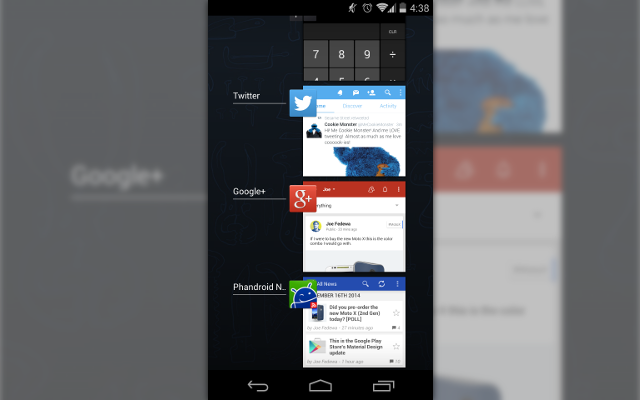
That’s why many people manually close unwanted background apps. To do that, you simply hold down the ‘Home’ button until the app screen pops up (or tap the recent apps button on the right-hand side of certain Android devices).
Then, you can swipe left on any apps you wish to cancel. Some phones also let you immediately cancel all background apps by pressing a small ‘X’ button.
It’s natural to think that clearing your background apps would improve device performance and battery life. However, according to new reports, that may not be the case.
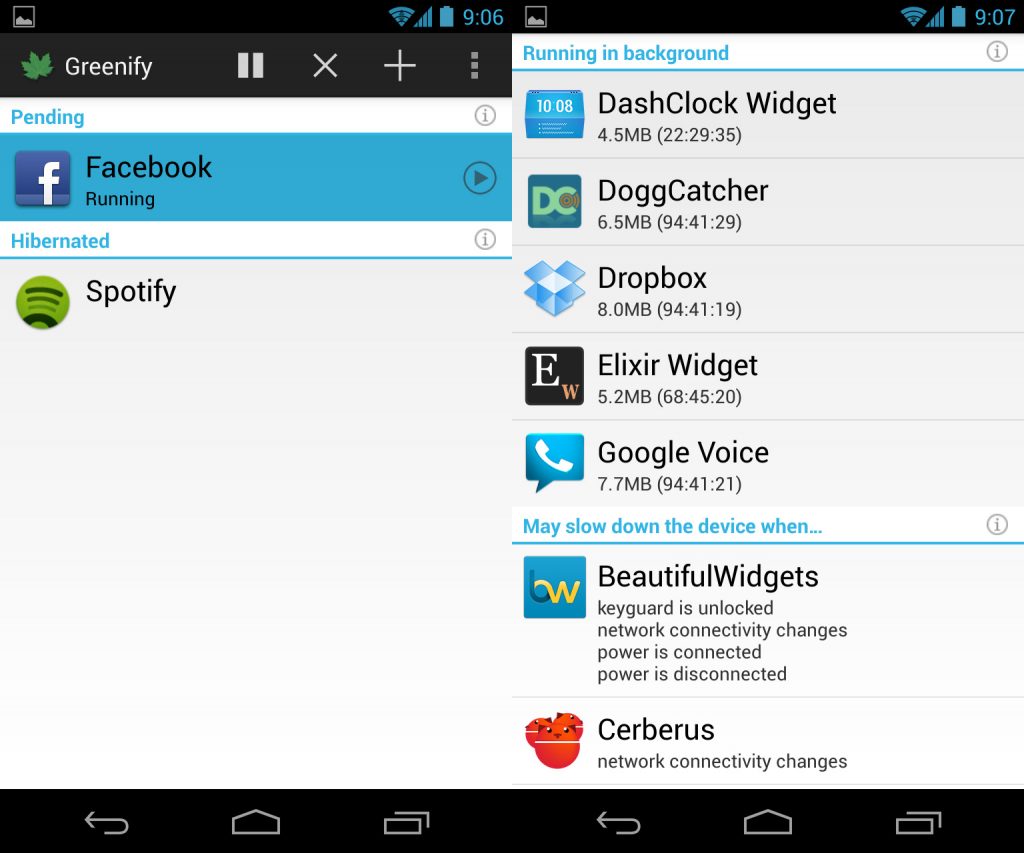 Greenify’s developer – someone who is undoubtedly an expert on task killing in Android – recently came out and said the following:
Constantly swiping apps or cancelling background tasks isn’t a good idea because “it reduces the efficiency of process cache mechanism in Android, thus impact the performance of your device [sic].”
Greenify, of course, is the popular app that forces background apps to hibernate when not in use – something that genuinely does increase performance and battery life.
Clearing your recent apps will, however, free up a lot of memory. It will not, however, improve battery life or overall performance.
Why not? Well, it’s because Android is built to intelligently manage your tasks. If you plan on using those apps again soon, then Android effectively hibernates those apps until you’re ready to use them again.
So if you’re one of those people who likes keeping their “recent apps” menu neat and tidy, then you may want to rethink that practice. It could be killing your battery life.
Greenify’s developer – someone who is undoubtedly an expert on task killing in Android – recently came out and said the following:
Constantly swiping apps or cancelling background tasks isn’t a good idea because “it reduces the efficiency of process cache mechanism in Android, thus impact the performance of your device [sic].”
Greenify, of course, is the popular app that forces background apps to hibernate when not in use – something that genuinely does increase performance and battery life.
Clearing your recent apps will, however, free up a lot of memory. It will not, however, improve battery life or overall performance.
Why not? Well, it’s because Android is built to intelligently manage your tasks. If you plan on using those apps again soon, then Android effectively hibernates those apps until you’re ready to use them again.
So if you’re one of those people who likes keeping their “recent apps” menu neat and tidy, then you may want to rethink that practice. It could be killing your battery life.
Greenify’s developer – someone who is undoubtedly an expert on task killing in Android – recently came out and said the following:
Constantly swiping apps or cancelling background tasks isn’t a good idea because “it reduces the efficiency of process cache mechanism in Android, thus impact the performance of your device [sic].”
Greenify, of course, is the popular app that forces background apps to hibernate when not in use – something that genuinely does increase performance and battery life.
Clearing your recent apps will, however, free up a lot of memory. It will not, however, improve battery life or overall performance.
Why not? Well, it’s because Android is built to intelligently manage your tasks. If you plan on using those apps again soon, then Android effectively hibernates those apps until you’re ready to use them again.
So if you’re one of those people who likes keeping their “recent apps” menu neat and tidy, then you may want to rethink that practice. It could be killing your battery life.
Newsletter
Get the latest tech news delivered to your inbox weekly.