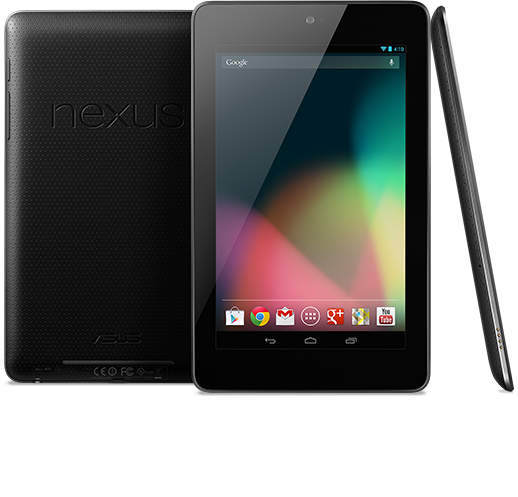
The Nexus 7 is one of the most popular Android tablets available today. In fact, the Nexus 7 was
recently declared to be the best-selling Android tablet ever released – even though it went on sale just three months ago.
Due to the popularity of the Nexus 7, many users are considering whether or not to root the device. Sure, the default interface and features might be good enough for the average user, but some users want to squeeze as much performance possible out of their tablets.
To find out if rooting the $200 Nexus 7 is the right choice for you, keep reading!
Pros of rooting the Nexus

-Faster performance
-Better battery life
-More customization features
-Install any custom ROMs (i.e. alternative operating systems) that you want
-Gain administrator access to all of the files on your device, as opposed to just the files that the manufacturer wants you to access
-Install alternative apps
-You can attach USB controllers to the tablet, like a PS3 controller or an Xbox 360 controller (download the Sixaxis Controller app after rooting your Nexus 7 to access this feature)
-Better anti-theft features and anti-virus capabilities
-Overclock your tablet to obtain faster performance levels than ever before
-Backup your tablet with TitaniumBackup
Cons of rooting the Nexus 7
Rooting any Android device comes with an enormous number of benefits. But there are also some risks that you should be aware of before you begin:
-If you root the Nexus 7 manually, you could cause serious damage to the device or lose all your data
-Depending on where and how you purchased the Nexus 7, rooting it might void the warranty
-Rooting the Nexus 7 manually can be difficult and time-consuming, especially if this is your first time rooting Android. Fortunately, One Click Root offers automatic installation, which means users don’t have to try to figure out installation instructions on their own.
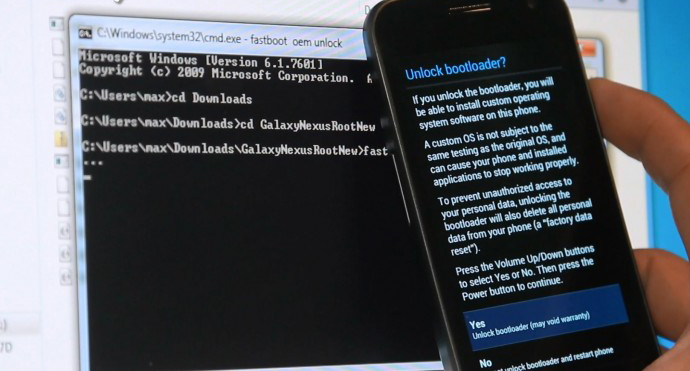
How to root the Nexus 7
If you’re ready to root the Nexus 7, follow this simple step-by-step guide:
Step 1) Go to the
OneClickRoot.com homepage
Step 2) Download the One Click Root automatic Android rooting tool
Step 3) Connect your Nexus 7 to your PC via USB
Step 4) Run the One Click Root application and follow the instructions
Step 5) You’re done! If you don’t like your rooted Nexus 7, then rest assured that the process is 100% reversible.