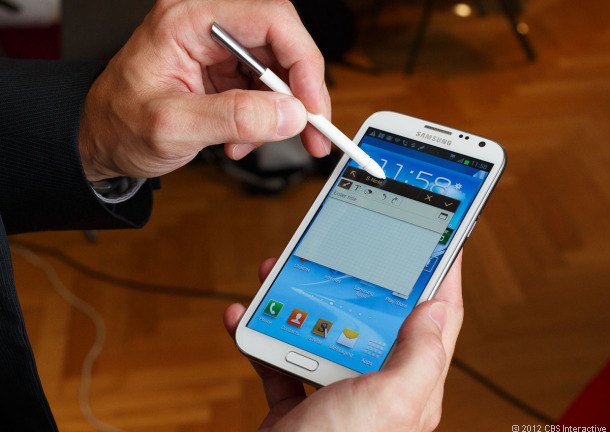
The Galaxy Note II has become one of the world’s best-selling Android phablets. It’s not quite small enough to be considered ‘just’ a smartphone, but it’s not large enough to be considered a tablet. Instead, the Note II finds a good middle ground among mobile users who appreciate a larger screen and better performance power.
If you’re ready to get the most out of your Galaxy Note II, keep reading to discover our list of Android tips and tricks!
5) Instantly share pictures with friends using Share Shot
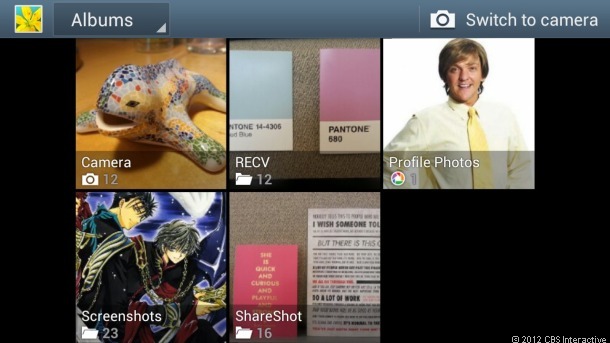
Share Shot isn’t a very well-known feature on the Galaxy Note II, but it’s one of the coolest things you can do with it. If you’re at a party or on a camping trip, then you might want to share the pictures you take with all of your friends around you.
Thanks to Share Shot, sharing pictures is easier than ever – provided that your friends are using Samsung Android phones. Go to your Camera app and navigate to the
Shooting Mode section. Then, tap Share Shot and turn on Wi-Fi direct. You’ll see a list of devices nearby. Just tap the devices that you want to send pictures to, and all the pictures you take will automatically be transferred to your friends’ photo galleries.
4) Create a personalized email signature
The stylus is one of the most useful features of the Galaxy Note II. Using the stylus, you can draw all over your screen to perform a number of useful tasks – like cropping away a picture or drawing funny moustaches on your friends.
But one of the coolest things to do with the stylus is compose your own email signature. And it’s not as hard as you might think. When you’re done composing an email, grab your stylus, tap the S Pen button, then scribble a signature (or any other symbol) at the bottom of the email. It’s an easy way to add a personal touch to your emails.
3) Crop any image with the stylus
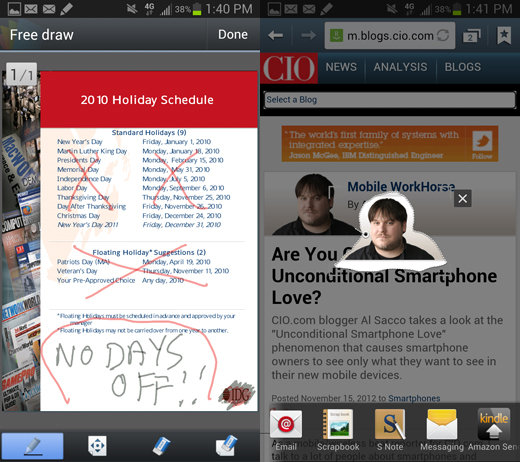
Another useful thing to do with the stylus is crop pictures. Whether you’re browsing the internet or looking through your picture gallery, you can simply hold down the S Pen button to activate the picture cropping tool. Then, drag the pen around the image that you wish to copy and make sure you’ve drawn a closed circle.
Once the circle has been closed, a number of different app-related options will appear on screen.
2) Annotate your photos
In the olden days, people used to scribble annotations and captions on the back of their printed out photographs to remember when and where that picture was taken. Since most of us never bother printing out our photographs, it’s easy for the memories of certain pictures to become lost over the years.
The Samsung Galaxy Note II prevents that from happening with its Draw on Image feature. Go to any picture, tap the menu button, and tap the
Draw on Image button. The picture will flip around to reveal a blank screen, and you can draw or write any notes you like on that screen.
1) Tap to share
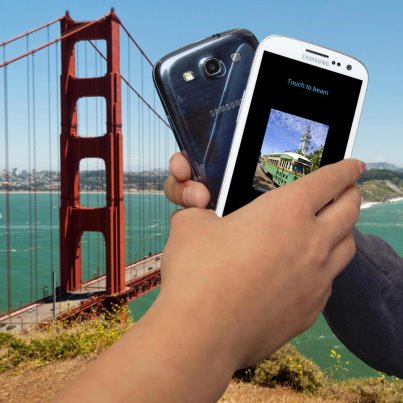
If you’ve seen Samsung commercials on TV lately, then you’ve probably seen the ‘tap to share’ feature that Samsung is so proud about. Just tap your phone against a friend’s phone to instantly receive their music, images, videos, or anything else.
But tap to share isn’t
quite that simple. In order to use it, you first need to enable Near Field Communications (NFC) in your device’s
Settings menu under
Wireless and Network. Once you’ve done that, you can navigate to any file in your Note II and then press your device against your friend’s NFC-enabled device. A confirmation message will appear on screen asking if you’re sure you want to send the file over.