Android battery life is a touchy subject among Android fanboys. Even hardcore Android fans have to admit that, on most devices, Android battery life can be sorely disappointing – especially when a device is more than a year or so old.
Fortunately, you can easily swap in a new Android battery and use your Android like new. Or, you could download some of the following battery saving apps, all of which have been approved for your Android handset in 2013. Check em out:
4) Wavelock Detector

With a name like Wavelock Detector, you might think that this app has more to do with surfing than saving battery life. The main advantage of Wavelock Detector is that it quietly runs in the background disabling annoying background apps.
You see, ‘Wavelock’ is the term for any app that runs when you’ve turned off your smartphone’s screen. These apps tend to be the largest battery life wasters and many of them can safely be disabled. Wavelock Detector identifies these apps and prevents them from constantly draining battery life.
The battery life savings aren’t as significant as they are with some of the other apps listed here (the app suggests about 5% to 15% battery life savings), but this is still a fantastic, lightweight way to preserve battery life.
You can download the free (ad-supported) Wavelock Detector here
3) Battery Drain Analyzer Monitor
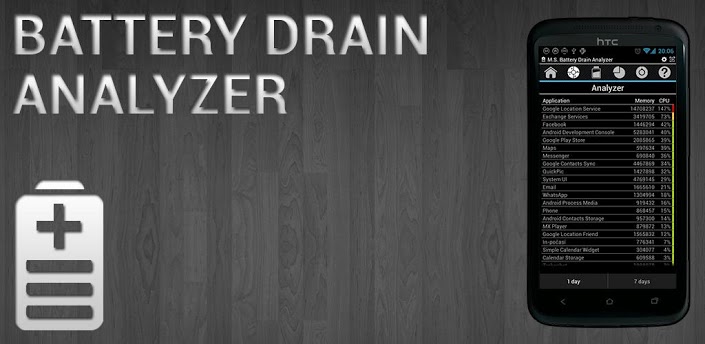
The name sounds like something out of Communist Russia, but this app is legit. It’s one of the best ways to analyze your Android’s battery usage – even if it doesn’t exactly save battery life.
Battery Drain Analyzer Monitor comes with the following helpful features:
-Display battery status in notification battery
-Display battery level changes in time for day
-Display battery life statistics for the last 30 days
-Display estimates for how long the batteries will last
-Display estimate for how long it will take for the battery to charge
-Access 3 simple profiles (for day mode, night mode, and battery saver mode)
-Enable and disable Android functions that drain the battery with 5 different in-app buttons
The point of the Battery Drain Analyzer Monitor app is teaching users that the best way to save battery life is to change the way you use your Android. Everybody uses their Android differently, and by analyzing your usage patterns, you’ll be able to determine exactly which activities are wasting the most battery or saving the most battery.
Download Drain Analyzer Monitor here
2) Greenify (requires root)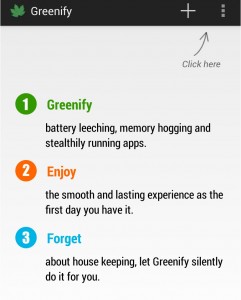
Greenify is an extremely popular app and is regularly chosen as one of the best battery saving apps available today – especially if you frequent community forums or
r/Android. Greenify requires a rooted Android in order to work.
After installing Greenify, you’ll be able to block (aka ‘Greenify’) certain apps on your phone. When you block an app, it prevents that app from ever running in the background. The only time that app will run is when you have it open on your screen. This is useful when running apps that you use infrequently but nonetheless remain open in the background, but it shouldn’t be used to block instant messaging apps or your alarm clock app.
The app itself only uses 3MB of RAM and an insignificant amount of CPU cycles and battery power, which means – unlike app killing apps – Greenify won’t consume more power than it saves.
Greenify is free to download or you can buy the $2.99 “donation version” from the Google Play Store
1) Battery Doctor
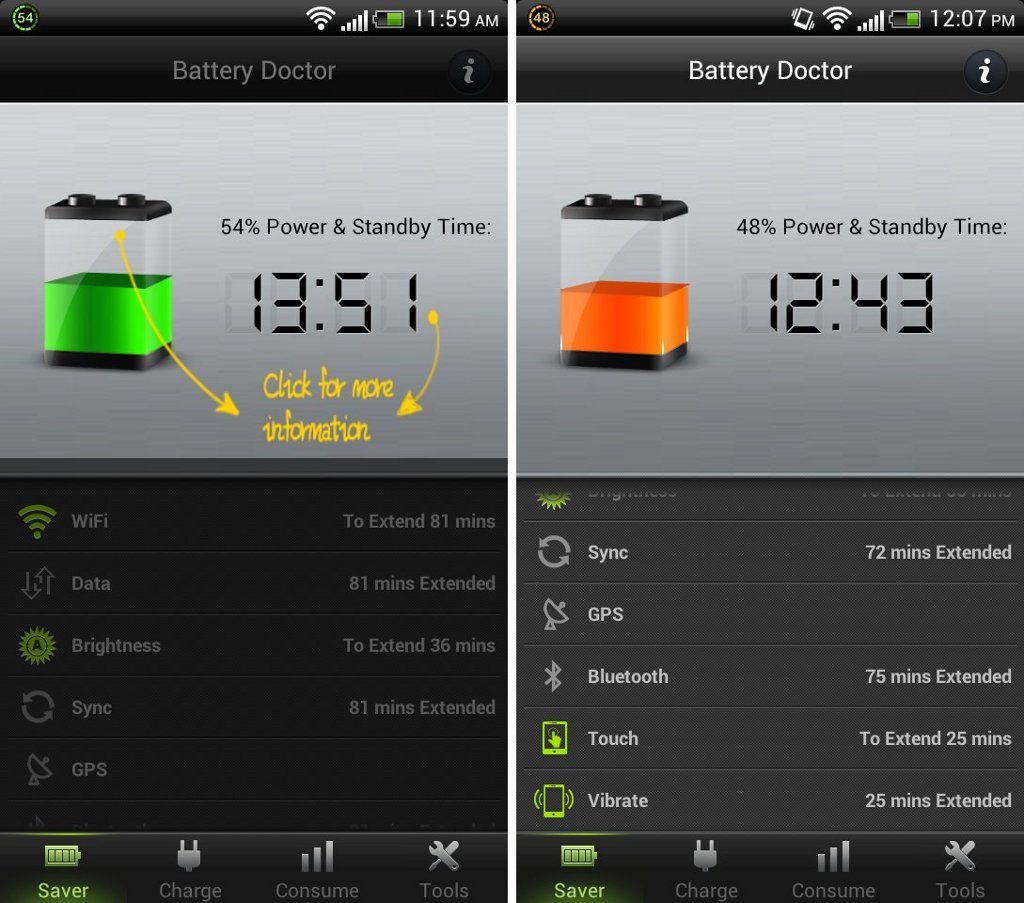
Battery Doctor tends to be the most popular battery saving app.. It’s available for both Android and iOS and contains many of the features of the apps listed above. It accurately estimates remaining battery time, for example, and features a task killer that can terminate unneeded apps when not in use.
Battery Doctor also promises to use a “unique 3 charge cycle that boosts battery life” and accelerate the speed and performance of Android in other ways. If you’re looking for a battery saving app that has advanced functionality and a simple, hassle-free interface, then this is the app you need.
Battery Doctor also comes with plenty of widgets that allow users to access battery saving functions directly from the home screen.
Download Battery Doctor for free today by clicking here