We all know what to do with something we don’t want or need and think that the world outside may have a perfect purpose for it. It can work the other way round too with us searching for a good bargain for a product that someone else may not need anymore. They may be things never used, and they may be items you think you’d think would earn you a good profit by reselling it to other people. It may be that old Nintendo console you never used and knew was lying somewhere pointlessly in your closet still packed neatly in its box waiting to be ripped open and exploited with all its gaming might by some kid out there.
Whatever it is, eBay is your place to get the right product for the best price. The
eBay app for Android extends that same familiar and popular service model to the realm of smartphones and tablet users. Thanks to the consumer-driven initiative and tremendously useful shopping services for both sellers and buyers, the eBay app for Android easily emerged as one of the top rated shopping apps on Google Play Store.
eBay is the ultimate shopping platform that assists you in buying what you always wanted at a lower rate, and selling something at a higher rate or subsequently bidding for a third commodity all together. This variety in innovative services is all the more enjoyable and convenient now that the app is sitting there right in front of your eyes on your Android mobile/tablet device screen.
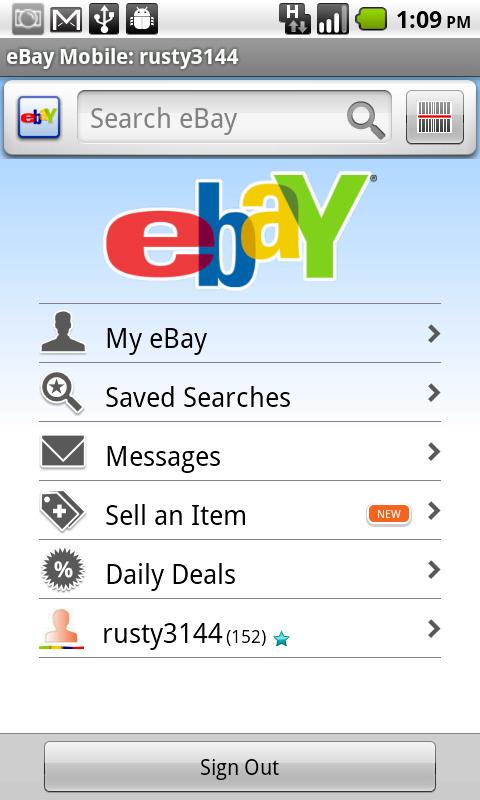
On launching the eBay app, the first things you have to do of course is log in with your eBay account and create one in case you aren’t a veteran eBay salesman or a buyer cum bidder.
The main screen in blue gives you 3 tabs that are:
- My eBay
- eBay Motors
- Sell an item
A horizontal list below that gives you a list of all that you have viewed in the past so that you remember what your heart and mind was longing for the most, the last time you opened the app.
All of this is easily viewable as you can scroll with a simple flick on your Android touch screen device.
Below that, you can also observe 4 distinct tabs that show:
- Reminders – What happens when you forget a product or can’t find a commodity you last looked for and wanted to be reminded about it? This tab is made especially for you to help you keep in line with your busy schedule and get things done on time.
- Messages – You’ve got bidders and sellers and then yourself, the seasoned bidder and you are bound to have a message or two by your favorite eBay people
- Saved searches – You look for something and come back and you know this is where you’ll find what you were last looking for.
- Saved sellers – These people you have to remember as they gave you a good deal, and looking out for what they have cut out for you this time is what you can expect here.
You also have a ‘listing’ option that shows you the seller side of you. The photos, category of the product, Title, item specifics format and price, shipping all is available and you can see that to the left.
As a seller, you are permitted to sell up to 12 photos for free. The entire interface is integrated to match a tablets usage as well as a hand held device.
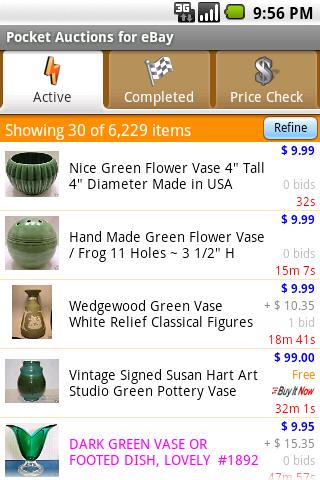
When you go shopping, an entire list with specifications is made available with the price and freebies along with it coupled with the shipping cost if any. And once you stand on both sides of the counter, you develop a good knack to pick up the best set of equipment for yourself.
eBay is the best platform for getting the best bargains for almost anything you could possibly wish for. If you’ve got something to buy or to sell, pick up your Android device and download it right away from Google Play Store. Happy shopping!