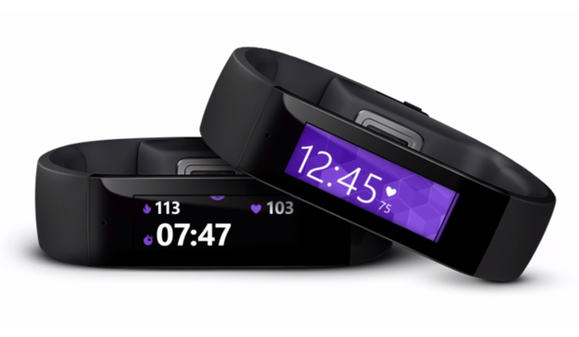
Over this past week, Microsoft announced a new wearable called the Band.
The Microsoft Band works with Android, iOS, and Windows Phone and it’s caused quite a stir in the tech community. Some are already calling the Band a “
game changer”, while others are saying it’s the wearable Apple “should have released” instead of the Apple Watch.
That’s high praise for a company that’s had some hard luck over the last few years. So what’s the big deal with the Microsoft Band? Here are the top 5 reasons it’s the best Android wearable on the market today:
5) It’s slim, stylish, and unobtrusive
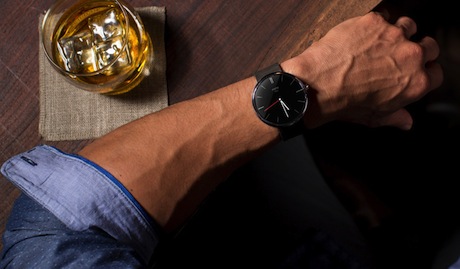
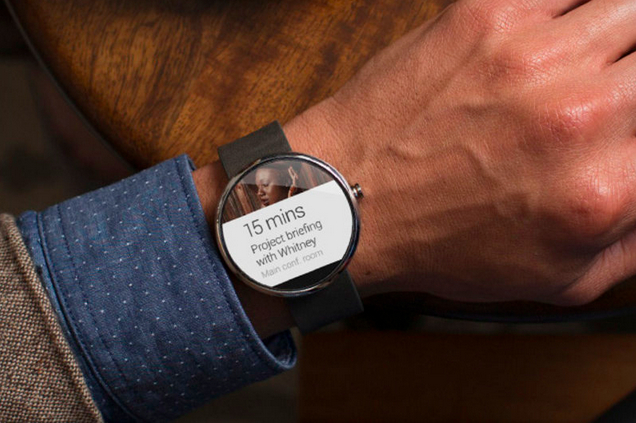
There are a huge variety of designs in the smartwatch community these days. On the one hand (get it?), you have smartwatches that try to look like real watches:
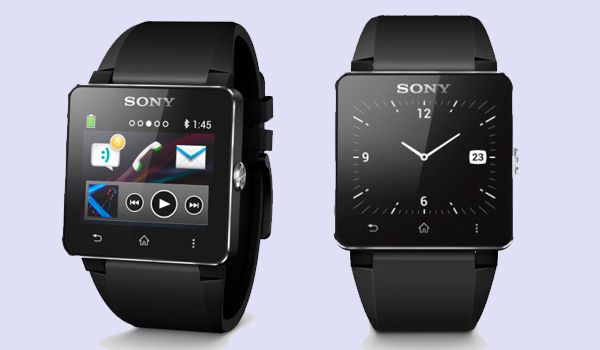
On the other hand, you have smartwatches that look like wristwatch computers:
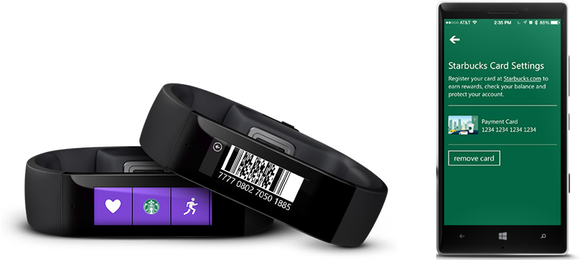
The Microsoft Band carves its own unique niche somewhere between a fitness tracker like the FitBit and modern smartwatches.
Personally, the Microsoft Band is the first smartwatch I’ve seen that I would actually feel comfortable wearing out in public. The Moto 360 looks cool, but it’s massive and obtrusive. And the Pebble looks fashionable, but it doesn’t have the features I need.
Ultimately, I feel Microsoft has walked a careful line and has created a smartwatch that is slim, stylish, and unobtrusive. Am I allowed to call a smartwatch sexy?
Oh, and did I mention that for the first time in a long time,
Microsoft made a really cool commercial? Check out this one below, which doesn’t involve weird people doing weird things or
awkwardly trashing competitors’ products. It’s just an intelligent way to sell one of the best advantages of smartwatches:
https://www.youtube.com/watch?v=CEvjulEJH9w
4) It has more sensors than any of its competitors, including a UV sensor
The Microsoft Band is the first fitness band with a UV sensor and galvanic skin response sensor. The UV sensor measures your skin’s exposure to sunlight over the course of a day, while the galvanic skin response sensor looks at your skin to measure stress.
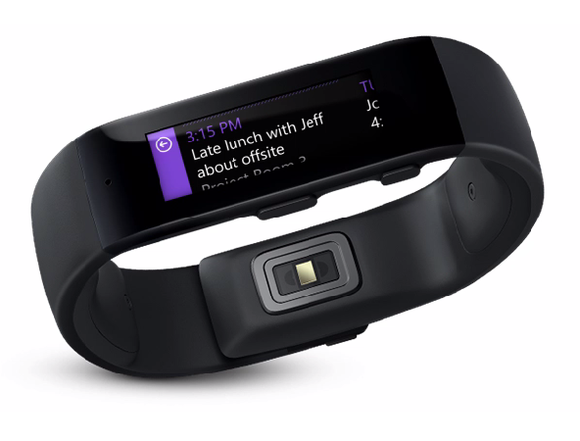
There are a total of 10 sensors on this little device, including an optical heart-rate monitor, a gyrometer, GPS, 3-axis accelerometer, ambient light sensor, skin temperature sensor, capacitve sensor, microphone, and the aforementioned UV/galvanic skin sensors.
This is way more sensors than any of the Band’s competitors, and that should make the Band the most useful and versatile device on the market.
I mean, I’m kind of interested to see how much UV light I’m exposed to on an average day. And what does my skin’s galvanic response say about me?
The Microsoft Band can answer those questions.
3) It lasts 48 hours on a single charge
The Microsoft Band features a relatively small screen, so it makes sense that the battery lasts a long time. The 1.4-inch touchscreen features a resolution of 320x106.
Powering that screen are two 100mAh lithium-ion batteries. Microsoft claims the batteries will be able to last for 48 hours of “normal use”, although that battery life will decrease if you use the GPS.
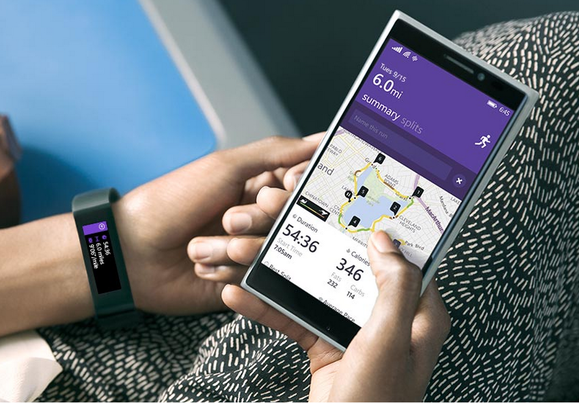
We’ll wait until we finish testing the Band before we deliver complete battery results. But if the Band lasts anywhere
near 48 hours, it will still be one of the best-performing smartwatches on the market today (right up there with the Pebble Steel, which lasts for 4 days, and the Gear 2, which lasts for about 3 days).
Many of the Microsoft Band’s Android competitors last for between 6 to 10 hours, which means you have to charge them every night. A 48-hour charging cycle makes the Band a tough competitor.
2) Because Microsoft plans to use health data in a way that’s never been seen before
Every wearable collects data about your health. But no wearable will collect data like the Microsoft Band. The Band collects
more data about you – including stress measurements.
But it will also use that data in a
more intelligent way. In one example, Microsoft explained that the Band will help you determine if eating breakfast makes you run faster.
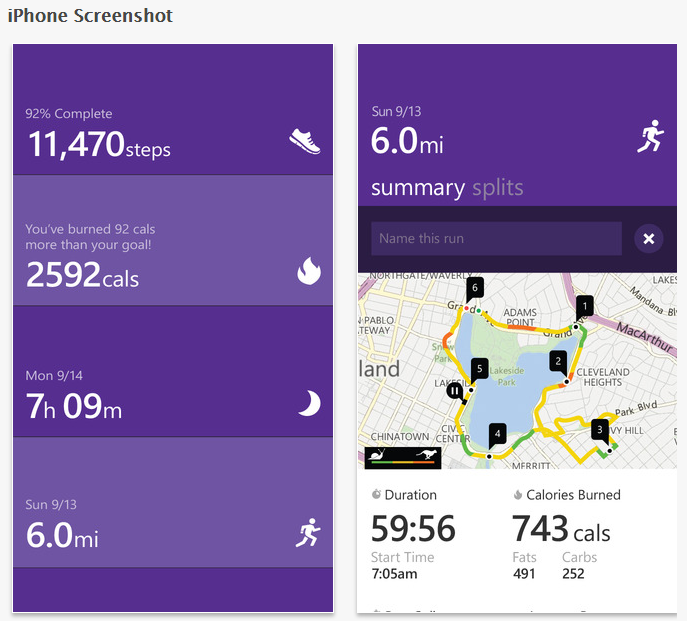
I don’t know about you, but I’ve always wondered questions like that on my own. If I have a watch that can answer those questions for me and make me a healthier, more well-informed person, then that’s pretty cool.
1) It costs $150 less than the Apple Watch
The Apple Watch isn’t an Android wearable. But for the sake of comparison, let’s say it is for a moment. The Apple Watch costs $349 – which is way more than any other wearable tech on the market today.
The Microsoft Band, on the other hand, costs $200.
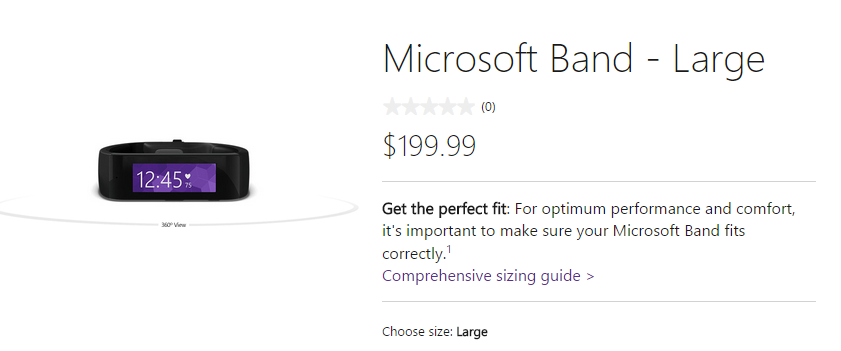
Sure, there are a lot of Android wearables available for $200 or less, but if you’re comparing the biggest competitors head-to-head, then the Microsoft Band has a
substantial advantage over its competitors.
In fact, the Microsoft Band beats its competitors in many key categories, including battery life, features, and numbers of sensors.
Given all of that information, why would anyone choose to pay $350 for an Apple Watch?
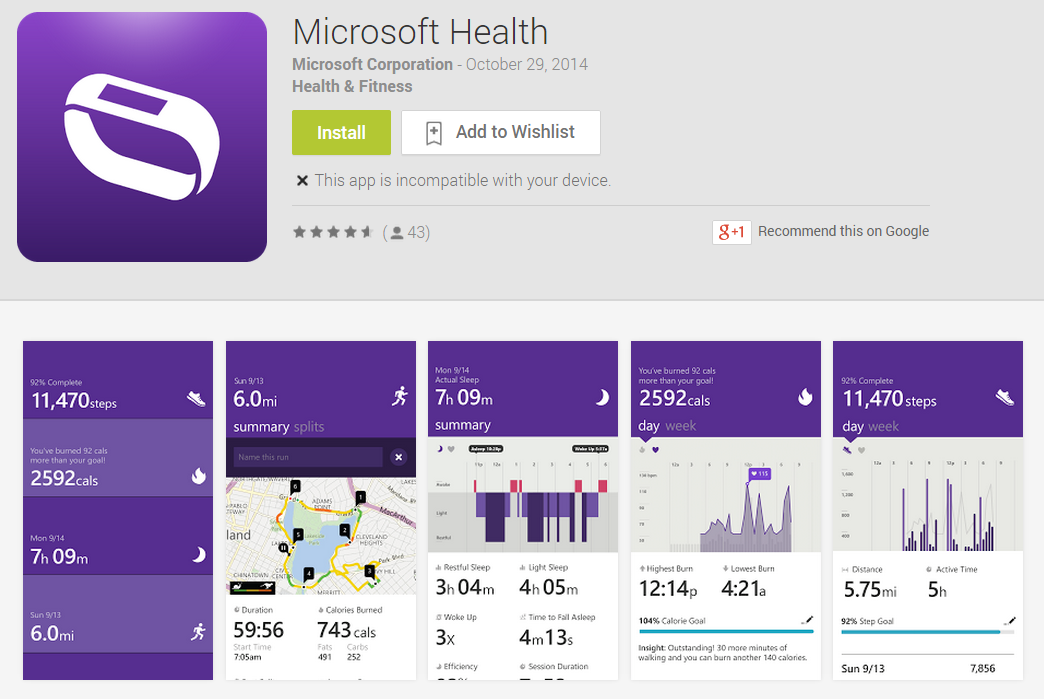
You can already check out the Microsoft Band app, called Microsoft Health, on the Google Play Store, by the way.
Download it here.
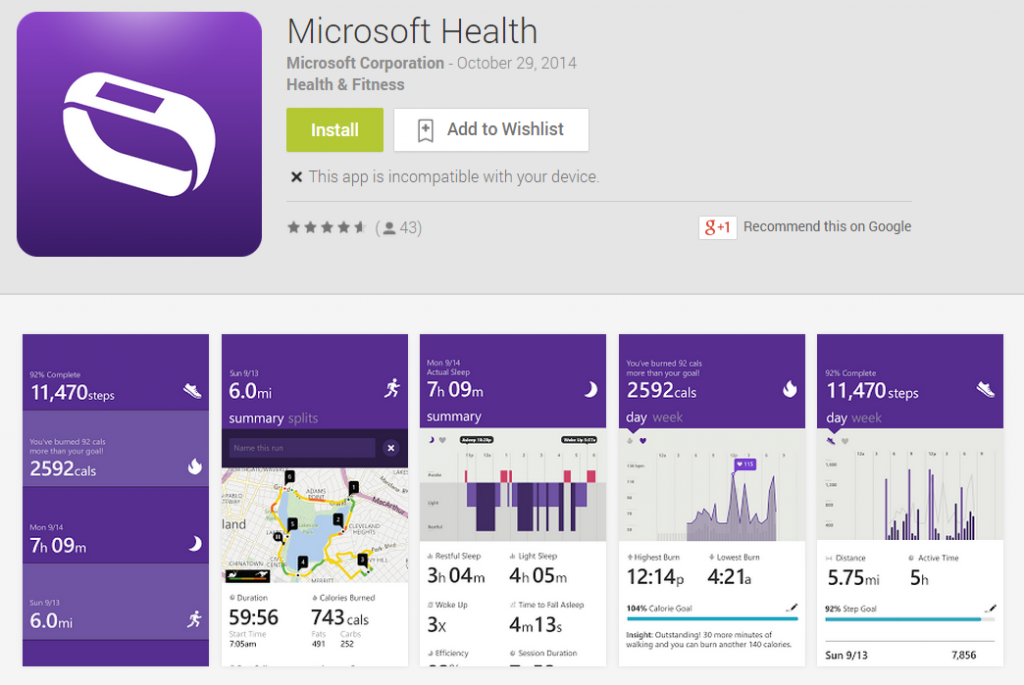
If you’re ready to dive in and purchase the Microsoft Band starting today, you can visit the official
Microsoft Store product listing here.


 If you’re ready to dive in and purchase the Microsoft Band starting today, you can visit the official Microsoft Store product listing here.