The sole competitor to the ultimate smartphone notekeeper Evernote is here! According to research, the human mind is capable of remembering every single thing they have experienced and further to that can remember it to the very end. But the problem arises when they are made to recall a particular instance and that’s where we take the hit and falter. But the human mind has come around these limitations by developing and learning to use tools that enable us to remember things that we should remember, especially those ideas, reminders and activities that are vital to our lives.
One of the simple yet ingenious solutions we developed as a society was to put up sticky yellow post-it notes or other small chits of paper that would stick to one end of the wall or noticeboard.
These notes would list all the key activities we need to take care of in our daily schedules. This functionality was extended to the world of technology with an added layer of sophistication for the convenience of users who actively use desktops, smartphones and tablets.
This amazing note-keeping and schedule-planning functionality has finally has made its way to our Android devices. Enter
Springpad – a fully feature-integrated interactive notepad app for your Android device that has everything you need in it in order to ensure you remember all the things you need to know and a lot more than just that. It takes the meaning of remembering what you had to a huge leap ahead and extends the definition of recollecting to a different world.
On launching the Springpad Android app, it asks you to sign in with Facebook, Twitter or Google+.
If you wish not to choose from either of the above, simply type in your email id and a password and you’re good to go. Verify the Springpad account through your e-mail account and enter the world of your memories represented digitally.
The very second you open the app, you are sure to fall in love with its beautiful and easily navigable interface.
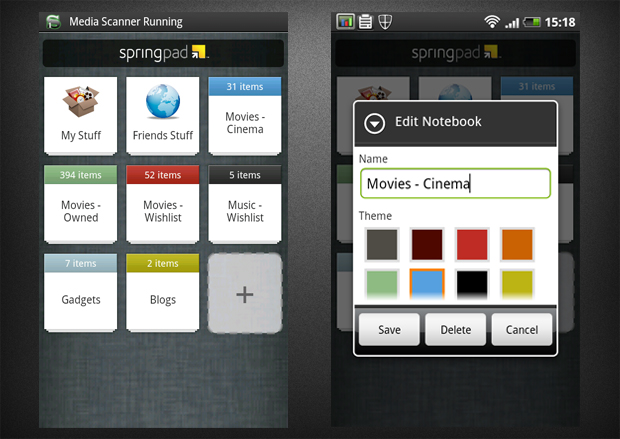
It asks you to pick from a list of notebooks that serve as categories for your reminders. These may include:-
- Articles I Want to save
- Team projects for work
- Dinner recipes
- Book suggestions from friends
- Movies you want to watch
- Projects around the house
Springpad then asks you to choose notebooks that you would like to follow. That's right. You get to follow the notes of others too, which is a feature rarely seen in any other app that falls in its category. Hence, Springpad can serve as a complete notebook of ideas for you to share with the world and not just a simple yellow chit with a few words scribbled on it to remind you of tasks in your limited personal world.
You can also search for anything under the sun that Springpad has to offer. The refined search also gives you category in addition to the conventional search bar.
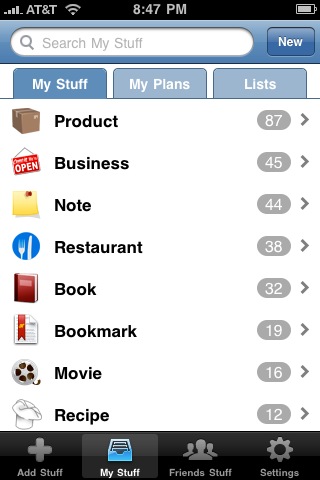
The categories are narrowed down to the following:
- Watch
- Cook
- Go
- Listen
- Shop
- Read
- Explore
Once you get into the Springpad app, it takes you to your home screen that tells you to create some notebooks or projects, add a task to the check list, add in movies manually, etc.
You can add in pointers and fill them with reminders alike. You can write a comment and fill in the heart, which is just another way of star marking it and finally share the articles, because you know, we all like telling the world what we do at times.
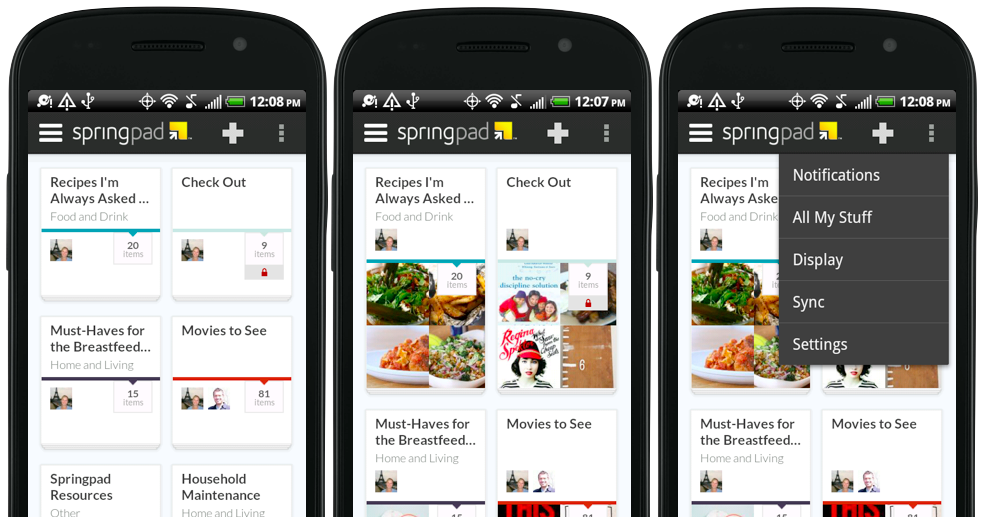
If that wasn't enough, you can even add in photos and audio files to the notebook that belongs to you too. You can also record them, click a picture or open up the gallery to embellish your notebook and present it in a much more attractive and visually appealing light so that others are more drawn to follow it.
So that’s Springpad for you. It is a digital warehouse of not just your ideas, but a virtual microcosm of your life. So what are you waiting for? Download it from Google Play Store right away and never miss a single thing you need to take care of again.