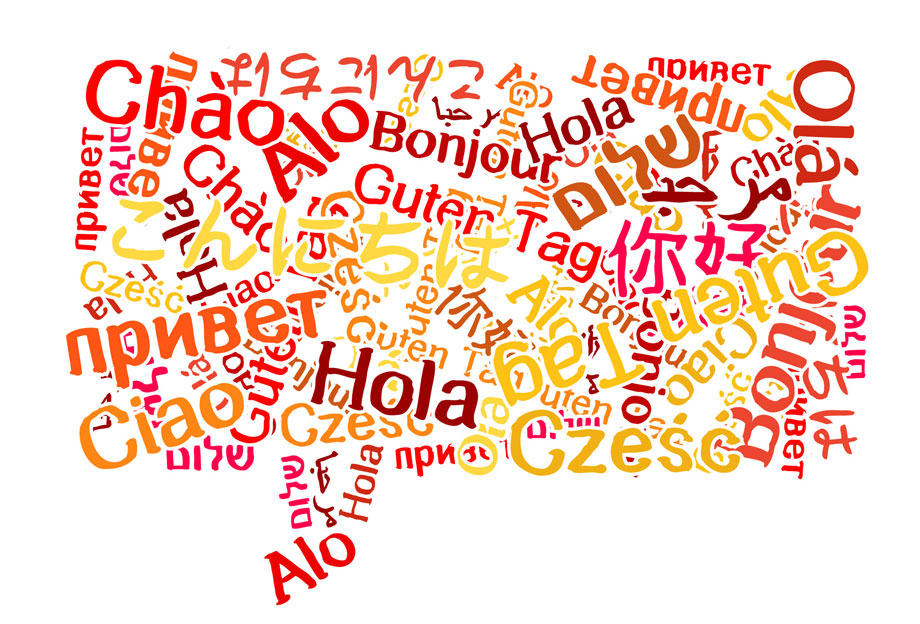
Of the several million apps available for use on the Android platform, there only a few must-have travel utility apps for those who fly across borders ever so often. In case you are travelling, here’s one Android app that should help you speak the local and languages native to the people living there so as to ensure that you overcome all linguistic and cultural barriers and enjoy a smooth-sailing trip.
Talking Translator and Dictionary is an app that has been designed to make you have a trip where you can speak like the locals and where you can be one of them and have them reply back to you all of which the app will help you to do and conduct with ease.
This Android app is a dictionary cum translator that will translate to and from languages like:
- Italian,
- French,
- German,
- Chinese,
- Japanese,
and many more. The above set of languages is just a small glimpse of what all is made available to translate.
So whatever part of the word you are in you do know that you have an app that will be ready at your disposal ready for you to use.
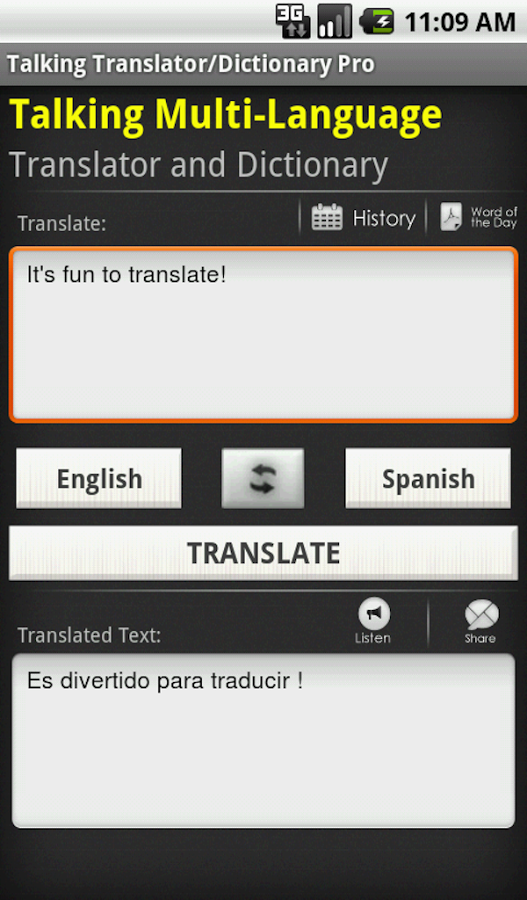
The interface of the Talking Translator and Dictionary app isn’t too complicated and it explains itself once you know what the app is all about.
The screen has two major spaces the upper for typing in the text that you want to translate and the space below that which translates the text in the upper box. Between these two you have the language options which you can choose to translate. This can be reversed as well through an option straight on the app.
The keyboard of course appears to the bottom of the screen and whatever you type will be translated.
You also have the ‘word of the day’ and that is being added in for more and more languages so that the user understands and can learn little by little of the words from different languages.
This option can be accessed through the main menu and even through the translate tab where the typing option is available.
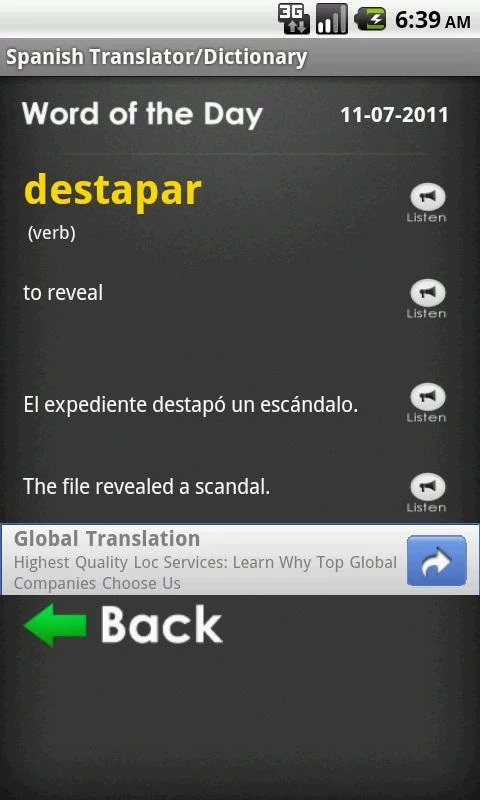
The word of the day option reflects clearly the word with its translation in the desired language and mostly in English. The word appears in its native language to the top and then the translated word below it.
Further to that, there also is the usage of the word in a sentence and the translation of that sentence too. You can also hear the sentence in English and the Native language along with listening to the word.
All of the above features are also visible to you through a widget on your home screen where you can translate and learn about different languages from there itself. The Talking Translator and Dictionary app comes with push notification as well as a part of the daily notifications on the app and this can be turned off through the settings.
The app also offers sentence corrections for you to master the language slowly and steadily. It enjoys over 52,000 5 star ratings and over 5,000,000+ downloads. It holds an impressive average rating of 4.5, and the reviews from the users of the app on the Google app store spell nothing but good things.
So go ahead and become the master of multiple languages by downloading the Talking Translator and Dictionary for free from Google Play Store.